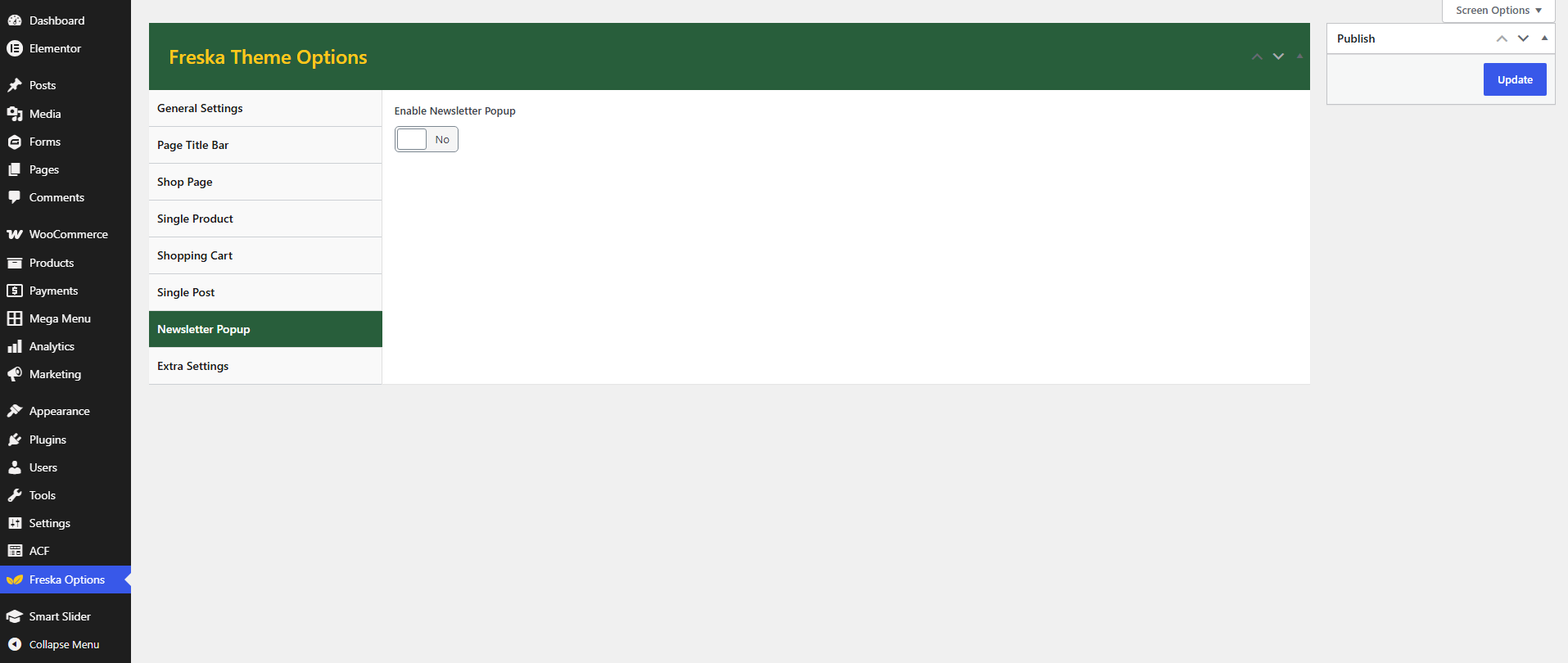


General Settings
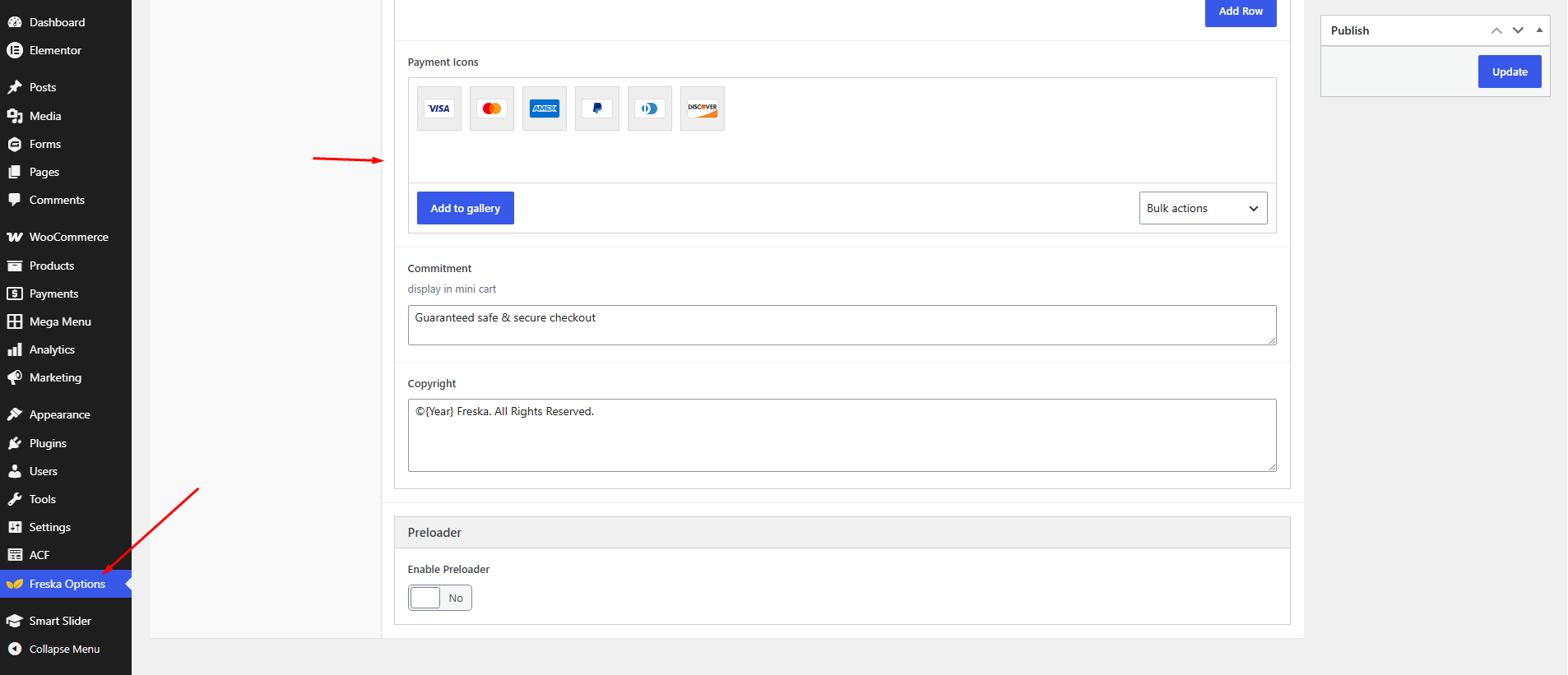
Configure general theme settings that affect your entire site, including the announcement bar, notifications, and other site-wide options.
To access the announcement bar settings, navigate to Freska → Freska Options in your WordPress admin sidebar.
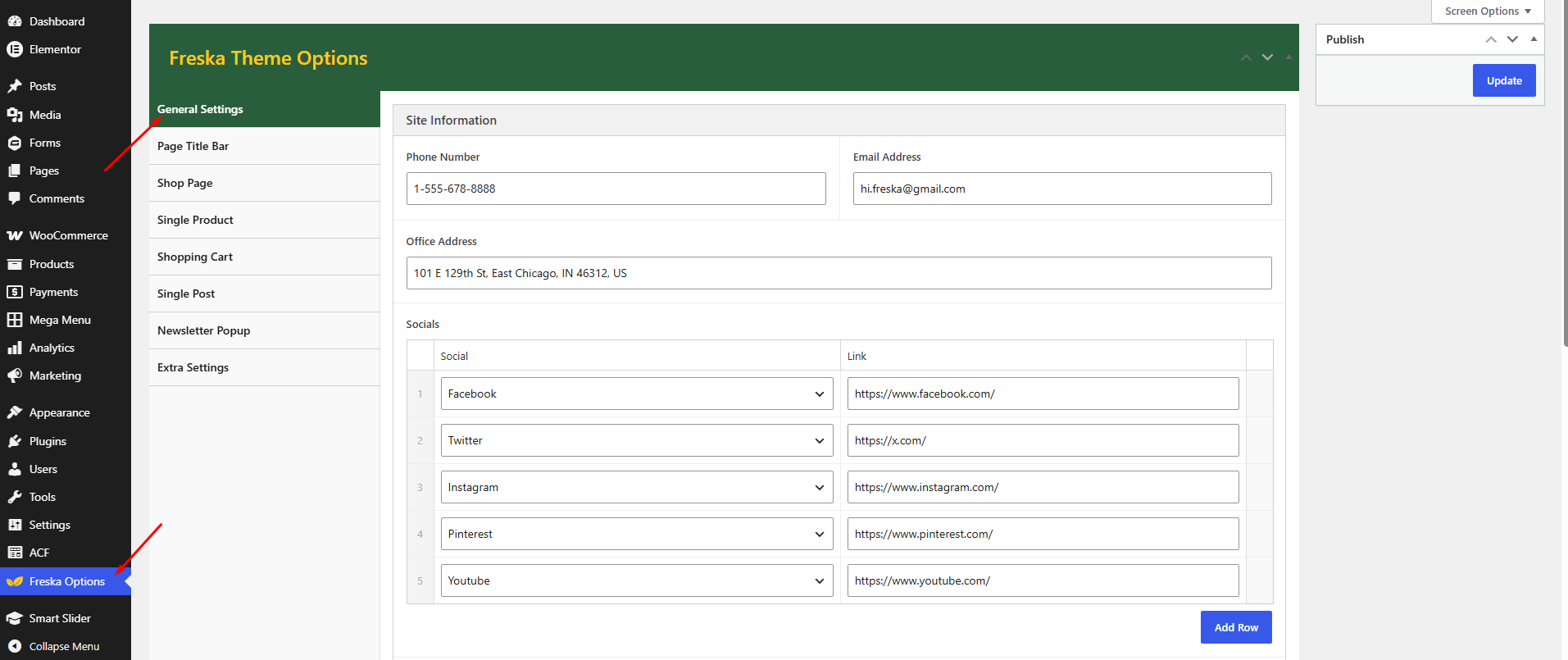
Configuring Notifications
Set up multiple notification messages that can rotate or display in sequence:
- Go to Freska → Freska Options → General in WordPress admin
- Find the Notification section
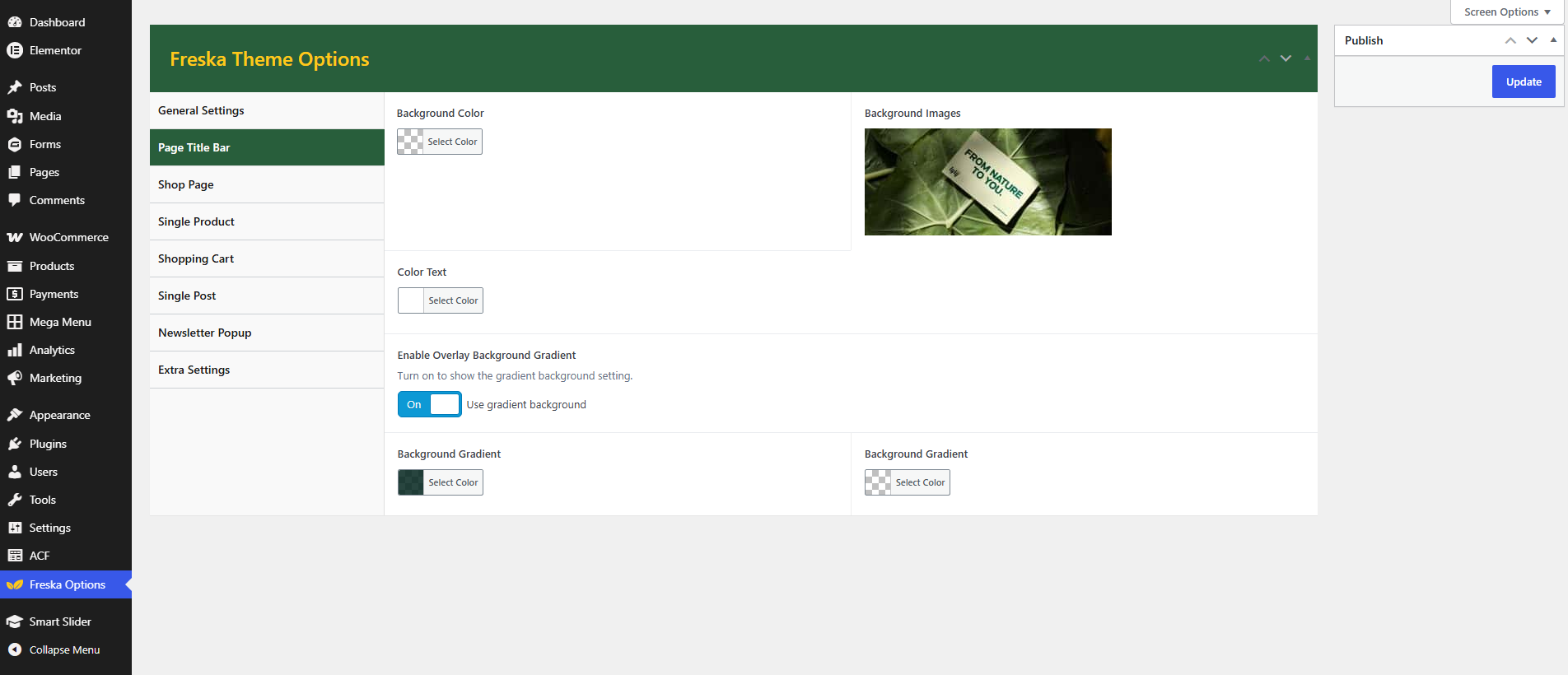
Page Title Bar
The title bar (breadcrumb) appears above page content and helps users navigate your site. Configure title bar settings in Freska → Theme Options → Page Title.
Shop Page
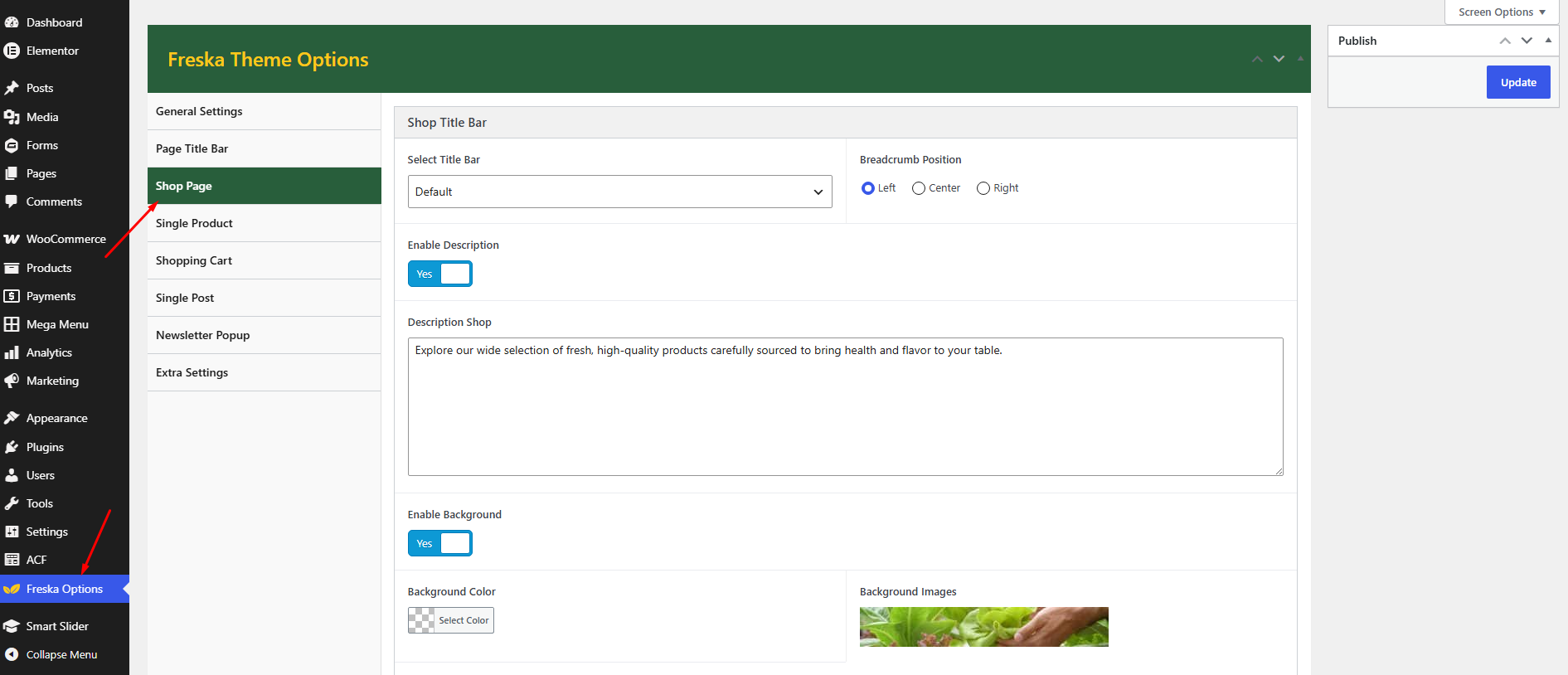
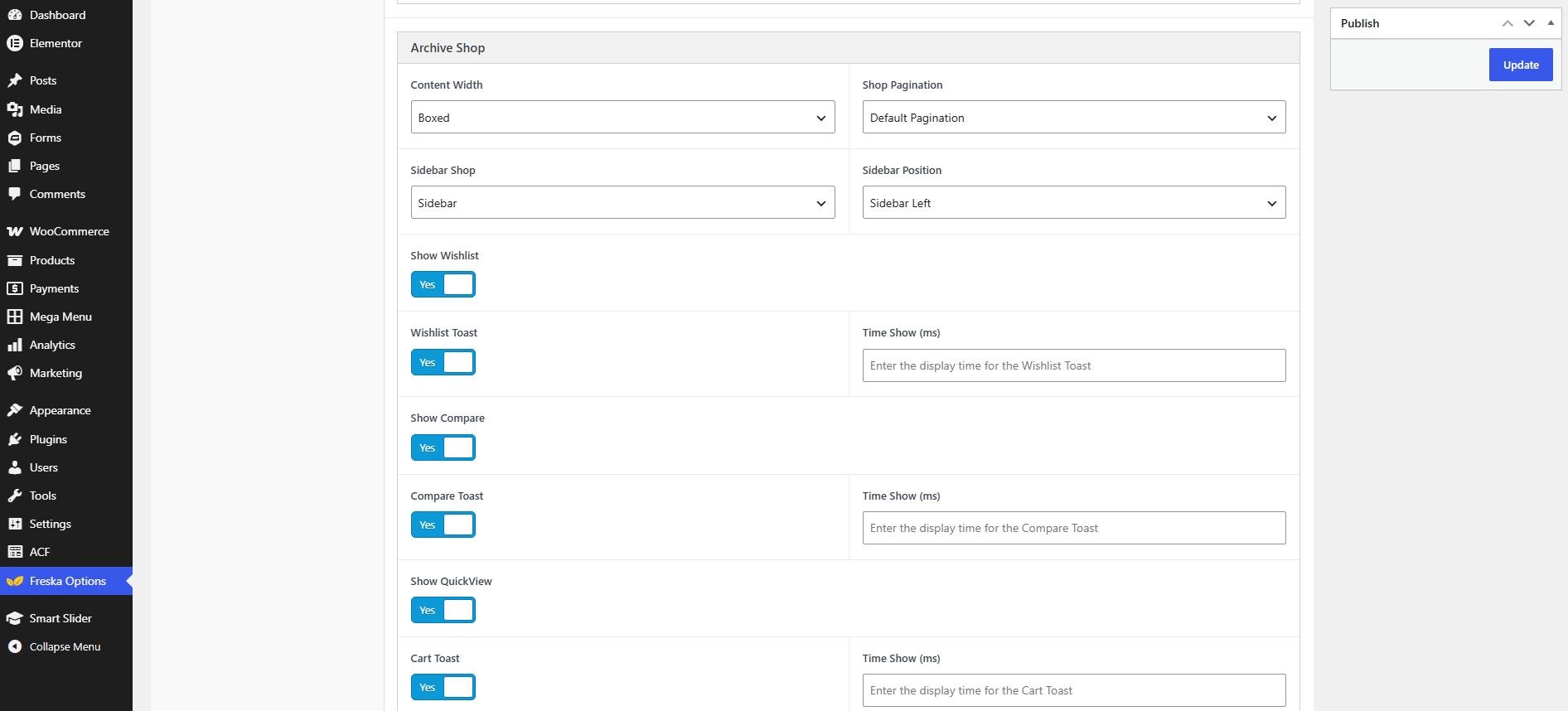
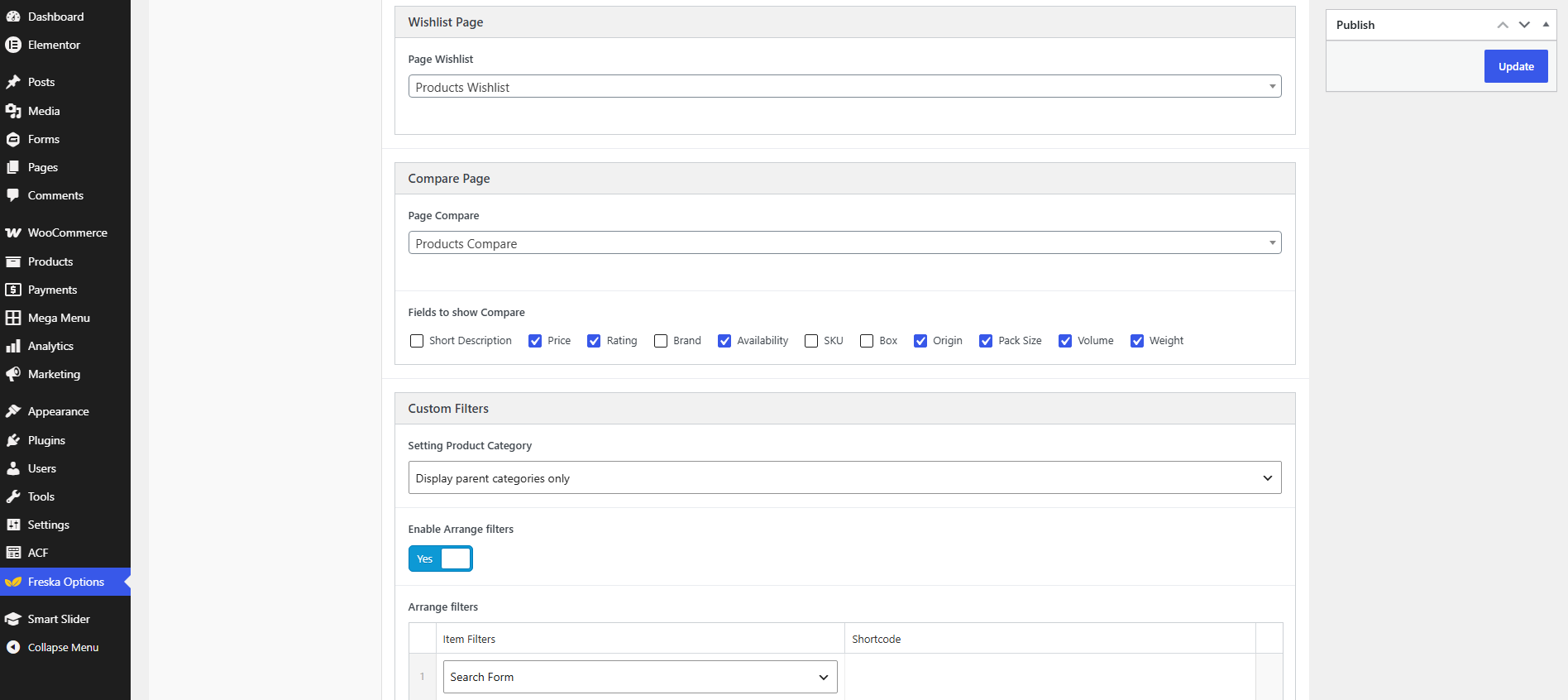
Configure all shop-related settings including the Archive Shop, wishlist, Compare, Custom Filters, Top Popular, and Featured Products in Freska → Theme Options → Shop Page.
Single Product
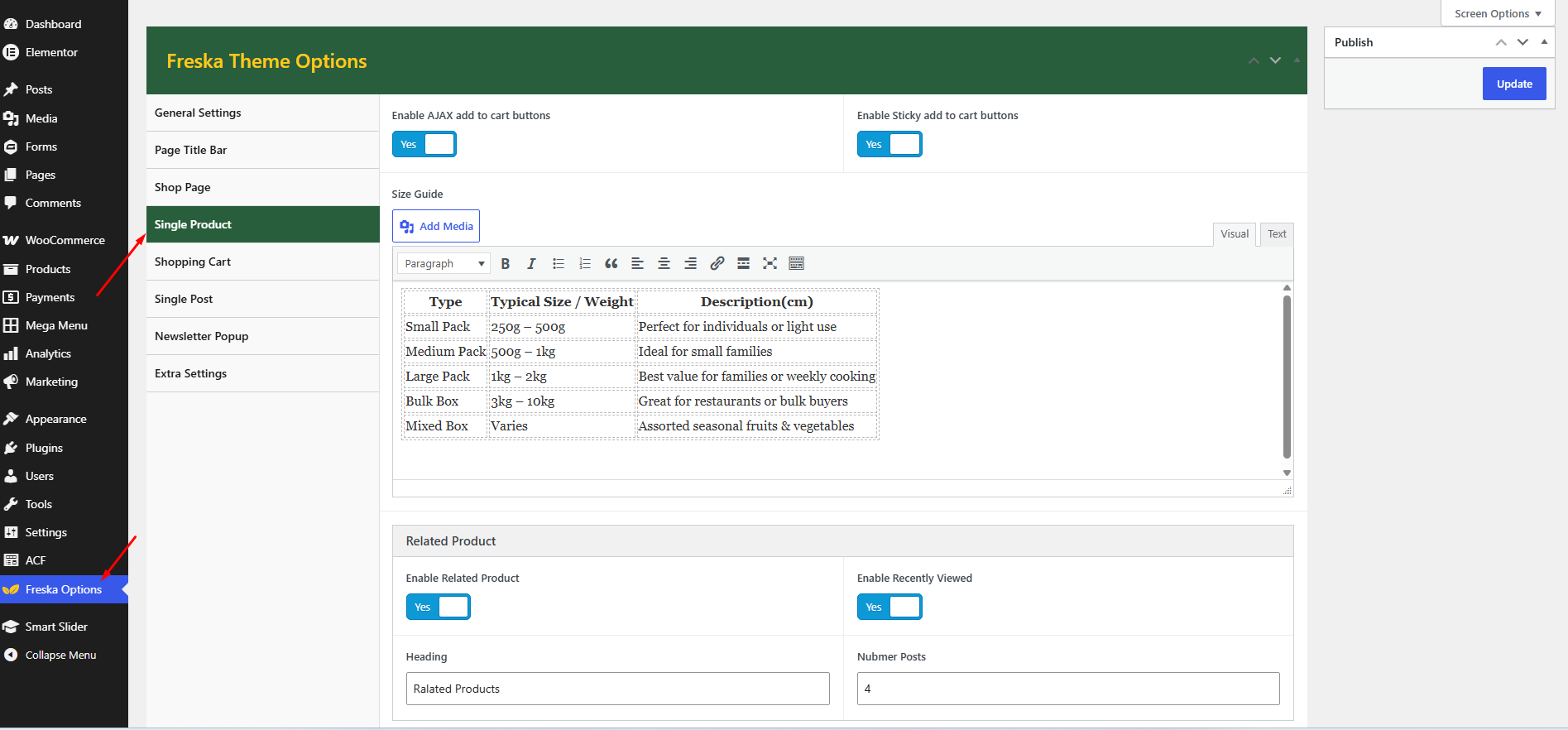
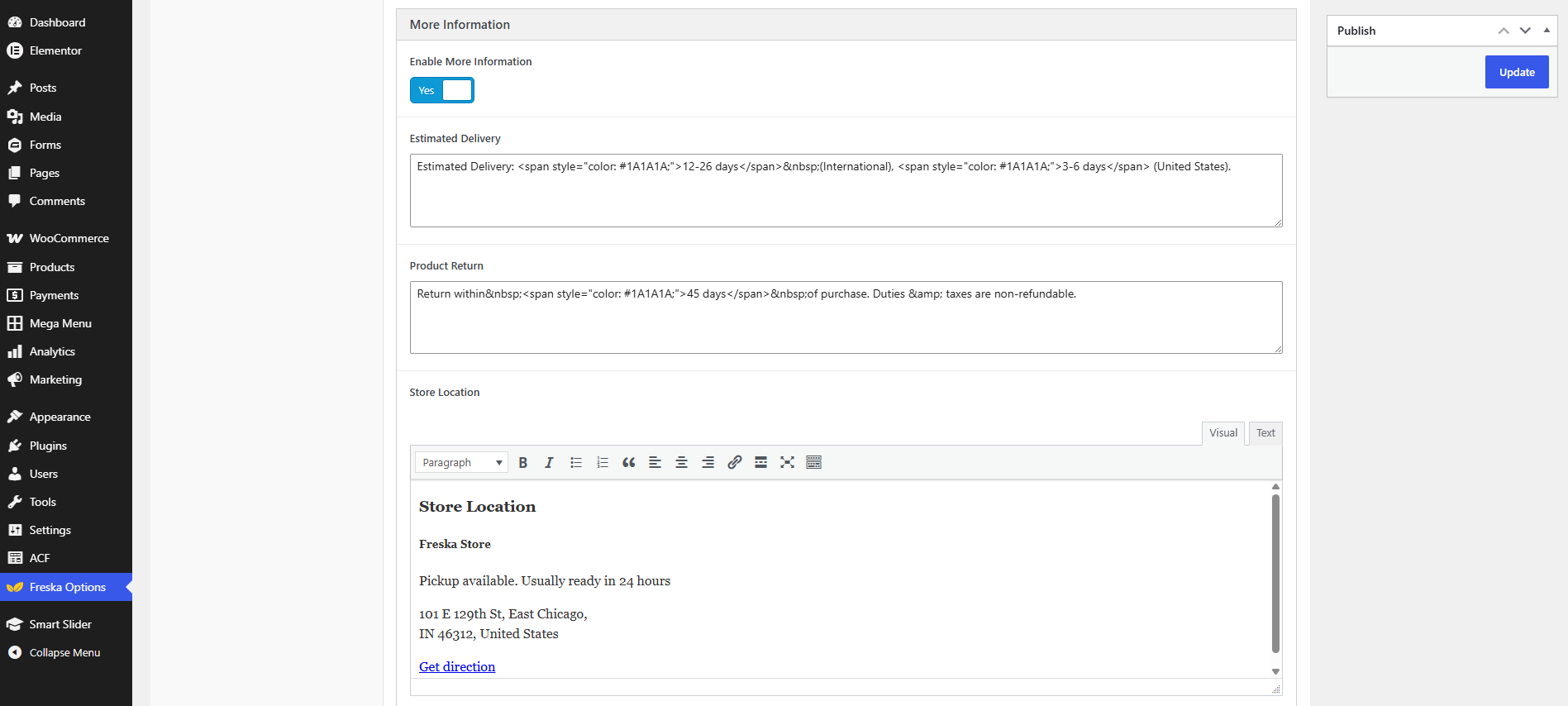
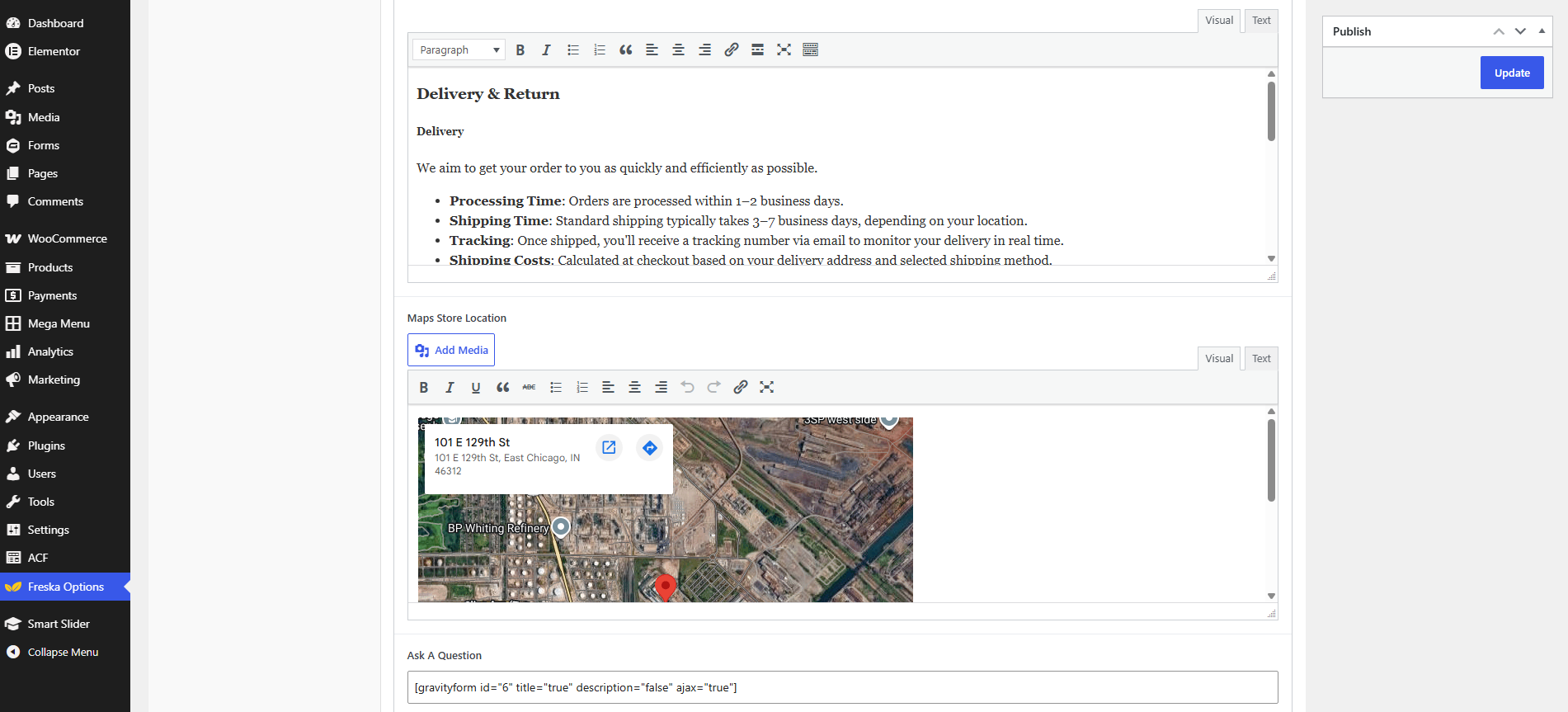
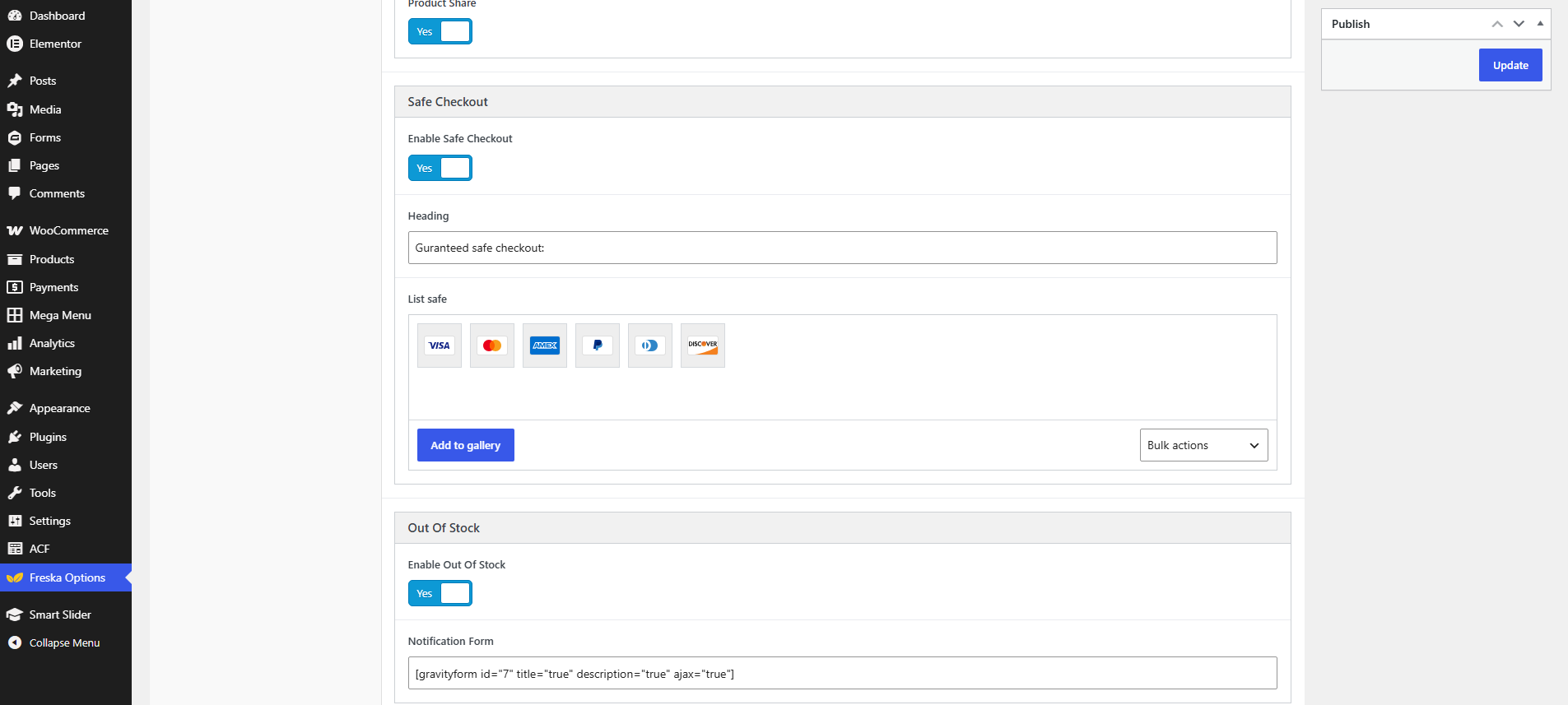
Configure all single product settings including the Related Posts, More Information, Safe Checkout in Freska → Theme Options → Single product.
Shopping Cart
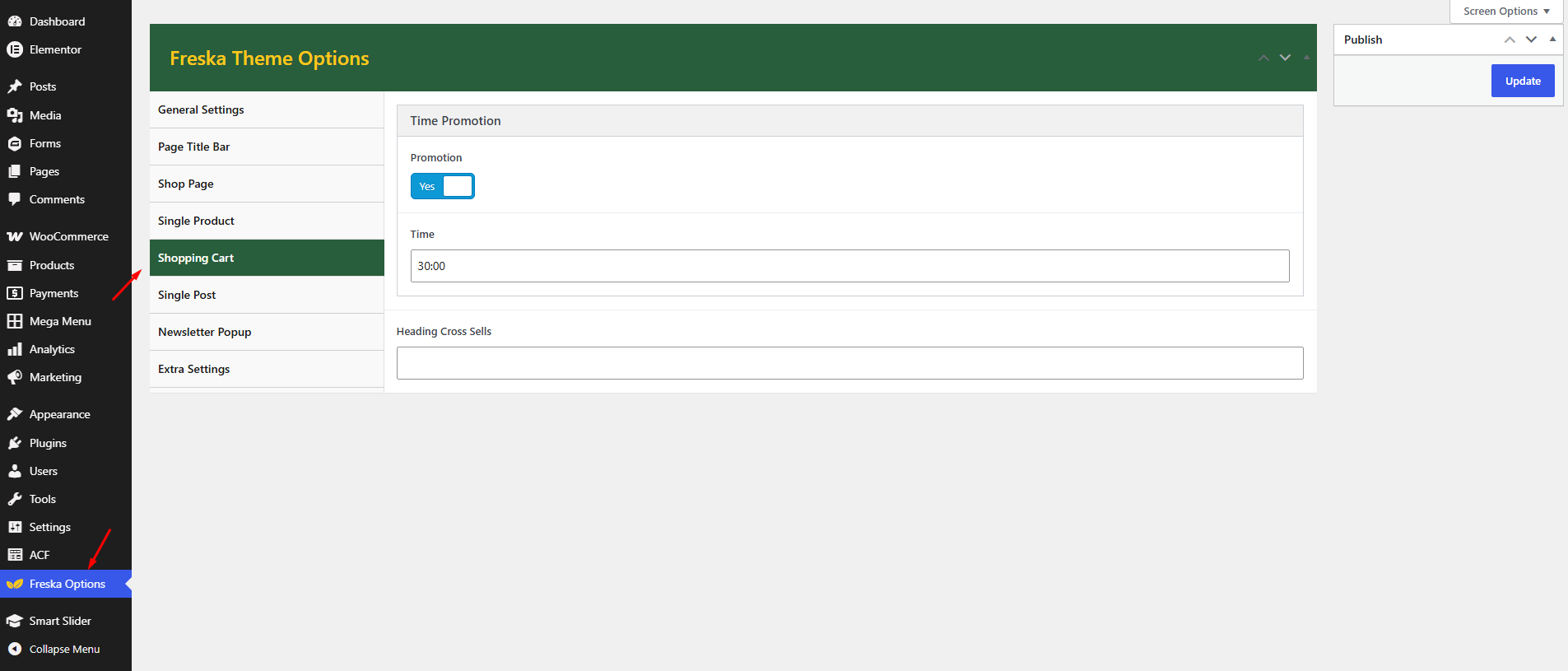
Configure all Shopping Cart settings including the Time Promotion in Freska → Theme Options → Shopping cart.
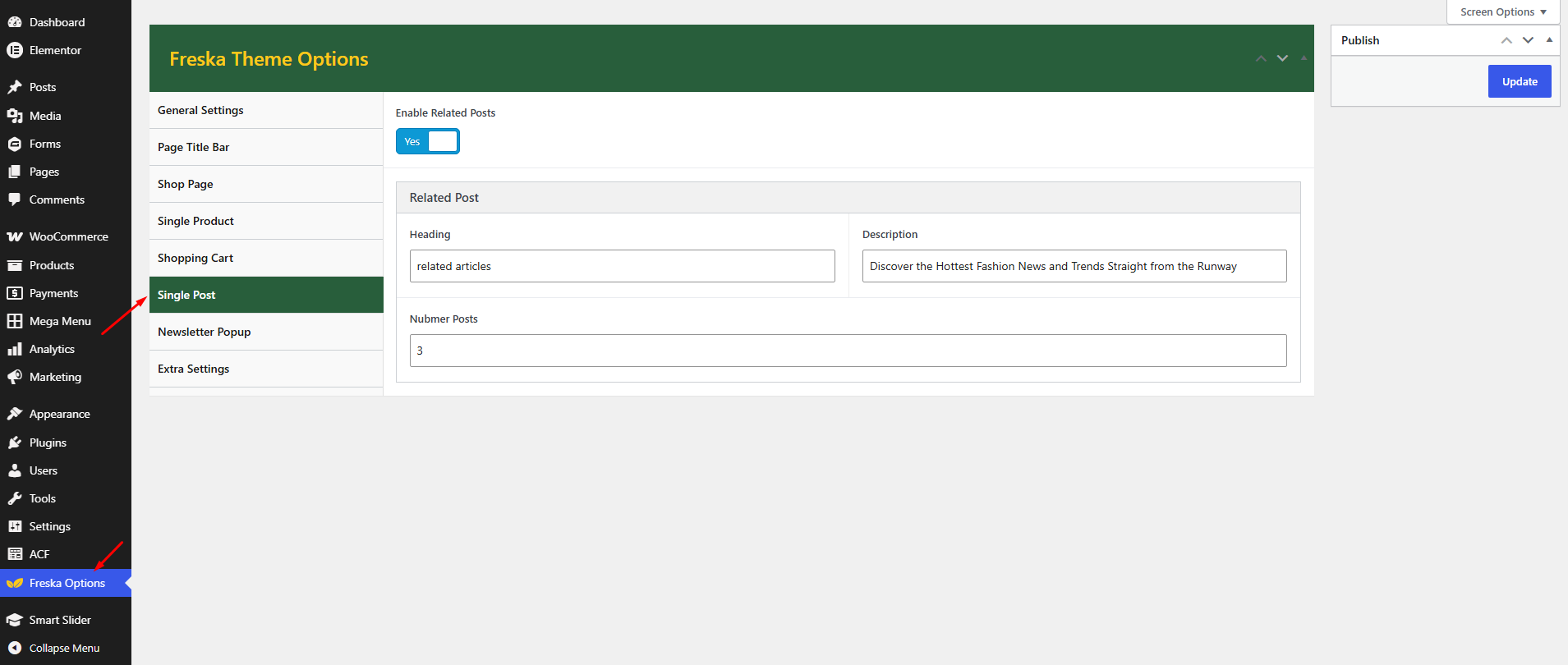
Single Post
Configure all single product settings including the Enable Related Posts in Freska → Theme Options → Single post.
Newsletter Popup
Configure all single product settings including the Enable Newsletter Popup in Freska → Theme Options → Newsletter Popup.