


Product 360° View
Enable 360-degree product views to allow customers to rotate and examine products from all angles. This feature uses GLB (GLTF Binary) 3D model files to create an interactive viewing experience.
These settings are configured individually for each product in the product edit page. Go to Products → All Products, edit a product, and navigate to the Advanced tab to configure the 360° view settings.
Product 360° GLB File
Upload a GLB file to enable the 360-degree product view feature for your product.
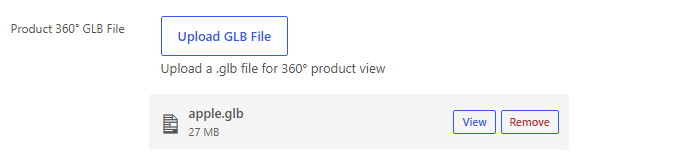
Upload GLB File:
- Click the Upload GLB File button in the product editor
- Select your
.glbfile from your computer or media library - The file will be uploaded and associated with the product
File Requirements:
- File format:
.glb(GLTF Binary format) - The GLB file should contain a 3D model of your product
- Ensure the file is optimized for web display to ensure fast loading times
Frontend Display
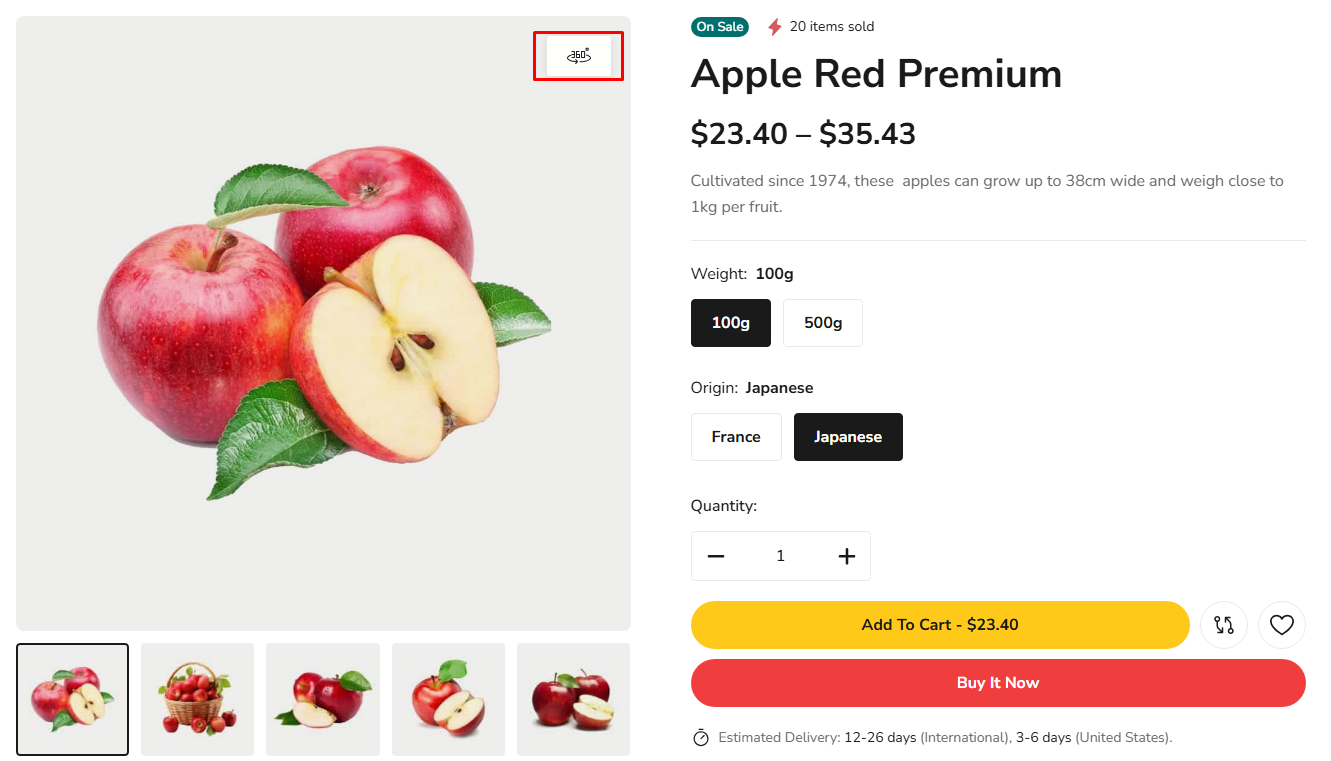
When a GLB file is uploaded, customers will see a 360° button icon above the product image on single product pages. This button appears alongside the product video play button (if configured).
360° Button on Product Page:
The 360° button is displayed as a circular icon with a circular arrow symbol, indicating the interactive 360-degree viewing feature.
Interactive 360° Viewer
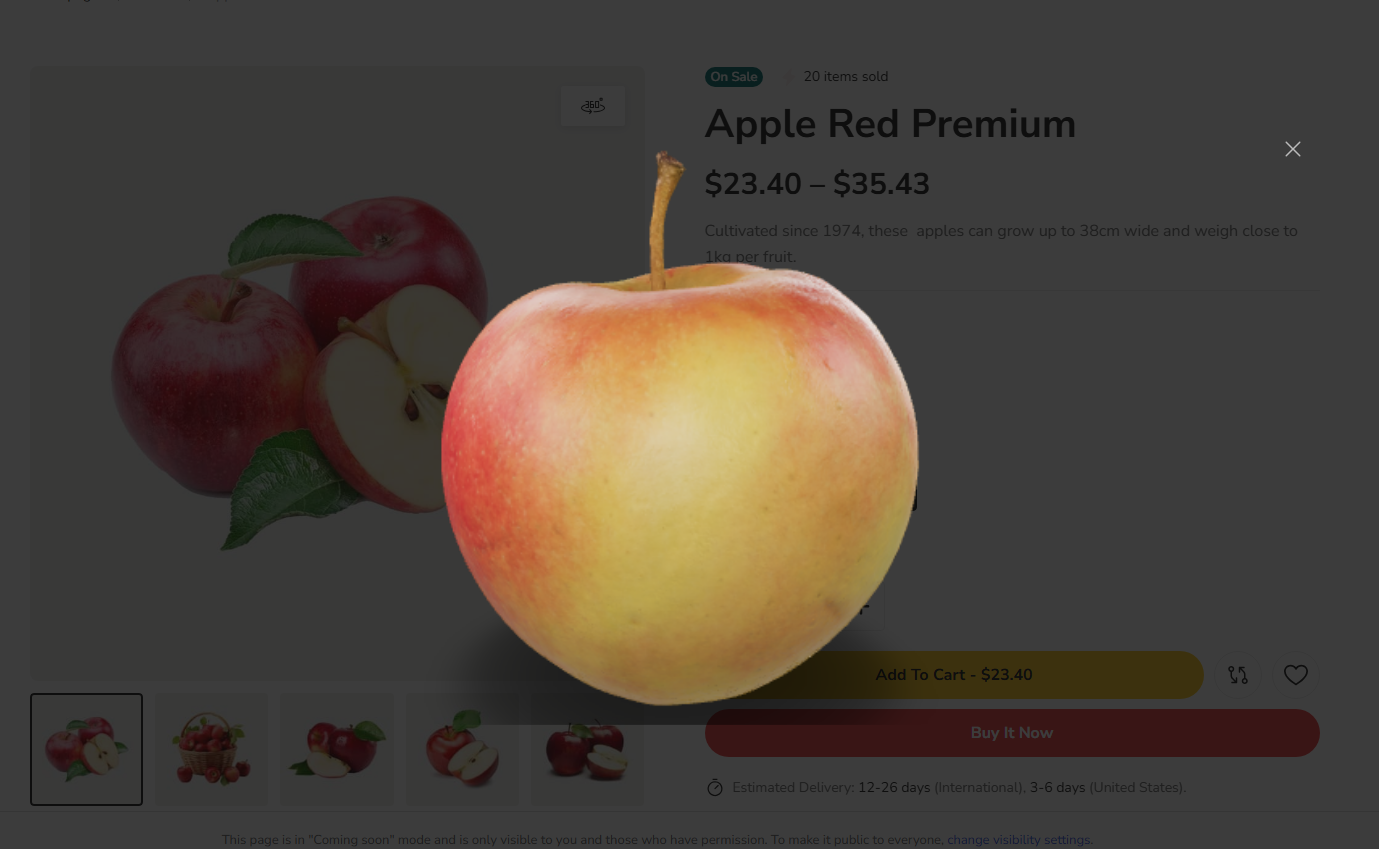
When customers click the 360° button, a modal window opens displaying the interactive 3D product viewer. Customers can:
- Rotate the product: Click and drag to rotate the product in any direction
- Zoom in/out: Use mouse wheel or pinch gestures to zoom
- View from all angles: Examine product details from every perspective
- Close the viewer: Click outside the modal or use the close button to return to the product page
360° Viewer Modal:
The modal displays the 3D model in a light grey container, allowing customers to interact with the product model. Navigation controls may be available to switch between different product views or variants.
360° product views are excellent for showcasing product details, textures, and design features. They help customers make more informed purchasing decisions by allowing them to examine products thoroughly before buying.