

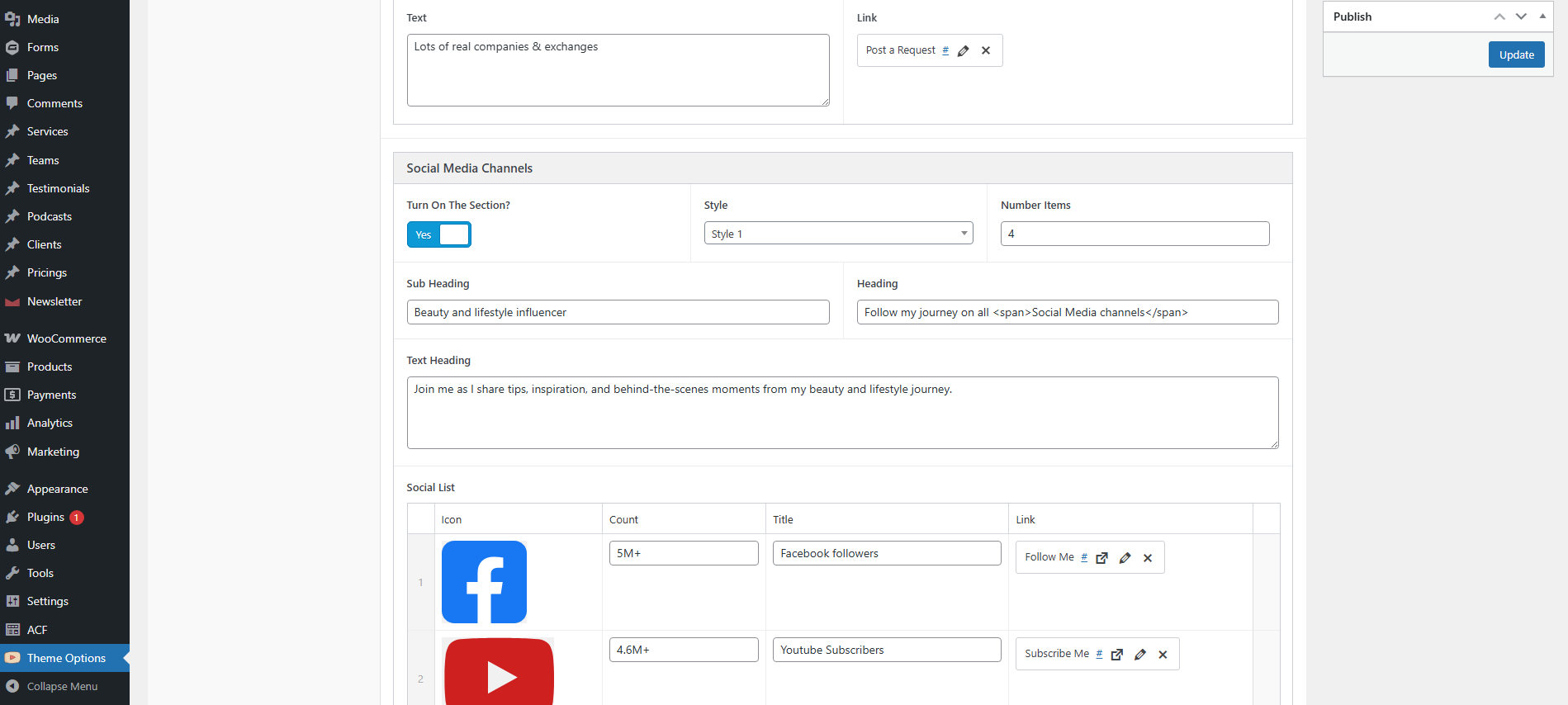
General Settings
Configure general theme settings that affect your entire site, including the other site-wide options.
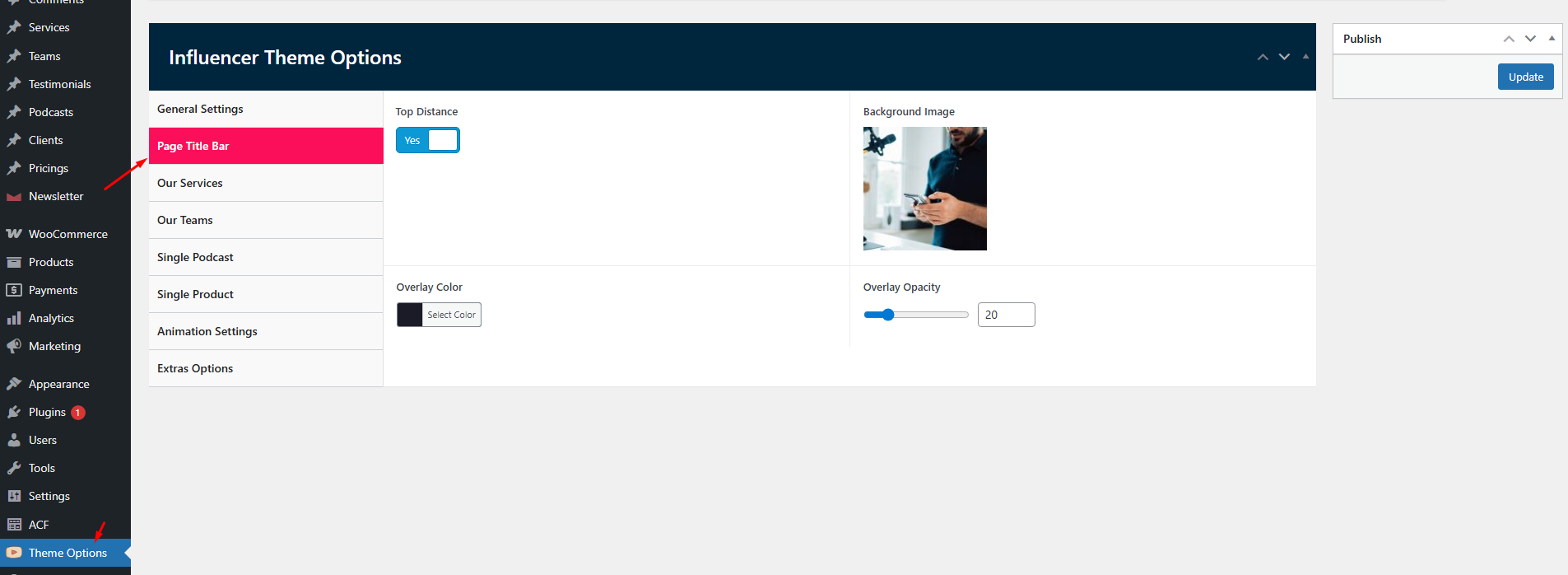
Page Title Bar
The title bar (breadcrumb) appears above page content and helps users navigate your site. Configure title bar settings in Influencer → Theme Options → Page Title.
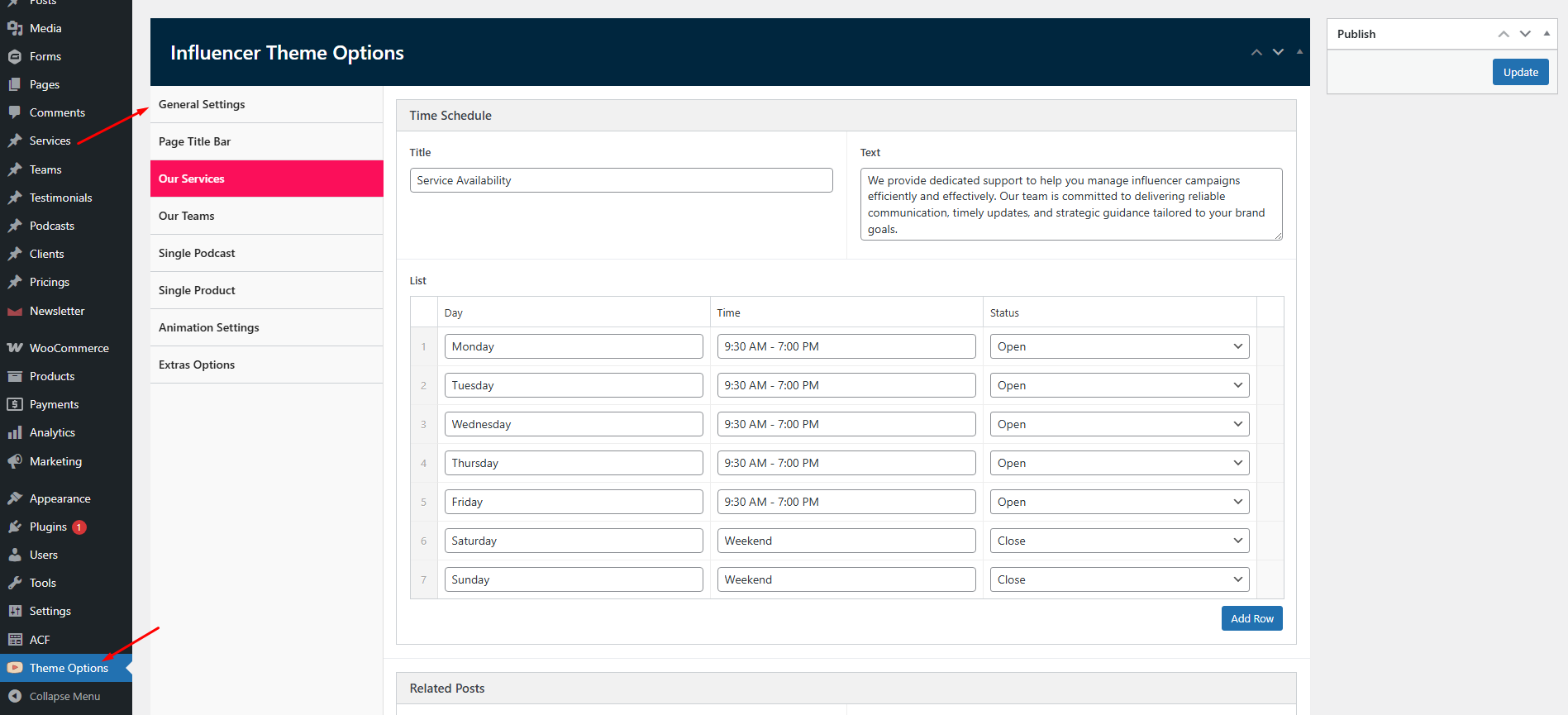
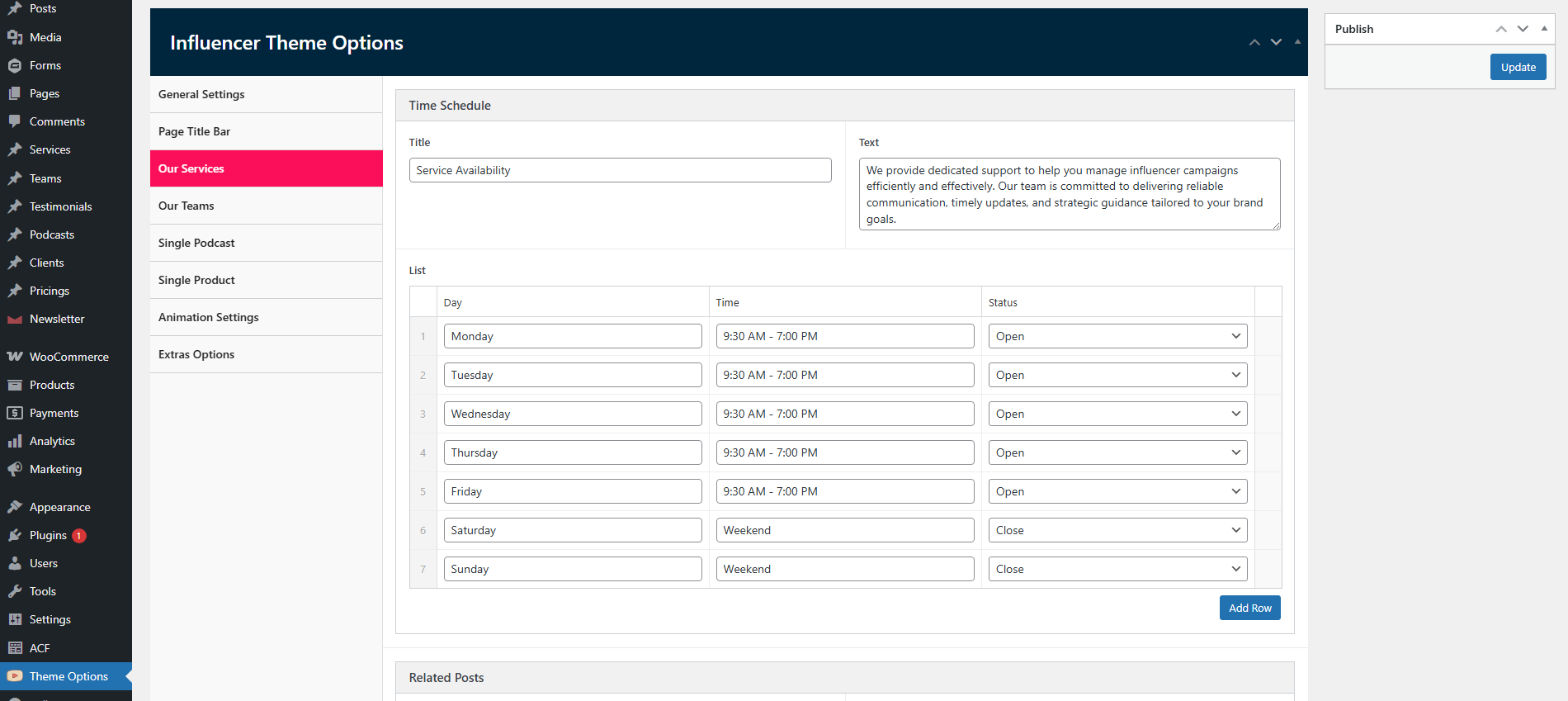
Our Service
Configure content Time Schedule, Related Posts... For single-service page in Influencer → Theme Options → Our Service.
Our Team
Configure all content Search Filter Results, Related Posts... For single-team page in Influencer → Theme Options → Our Team.
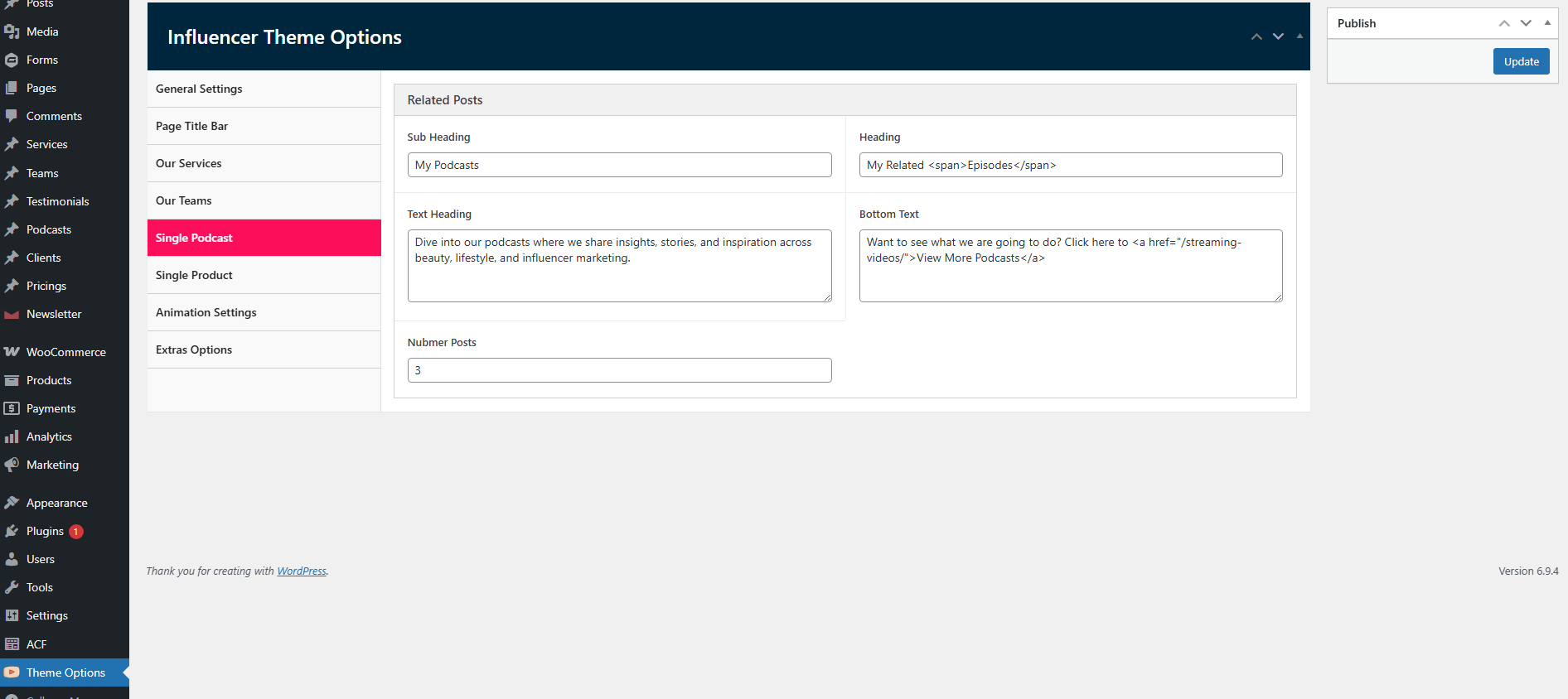
Single Podcast
Configure all content Related Posts... For single-podcasts page in Influencer → Theme Options → Single Podcast.
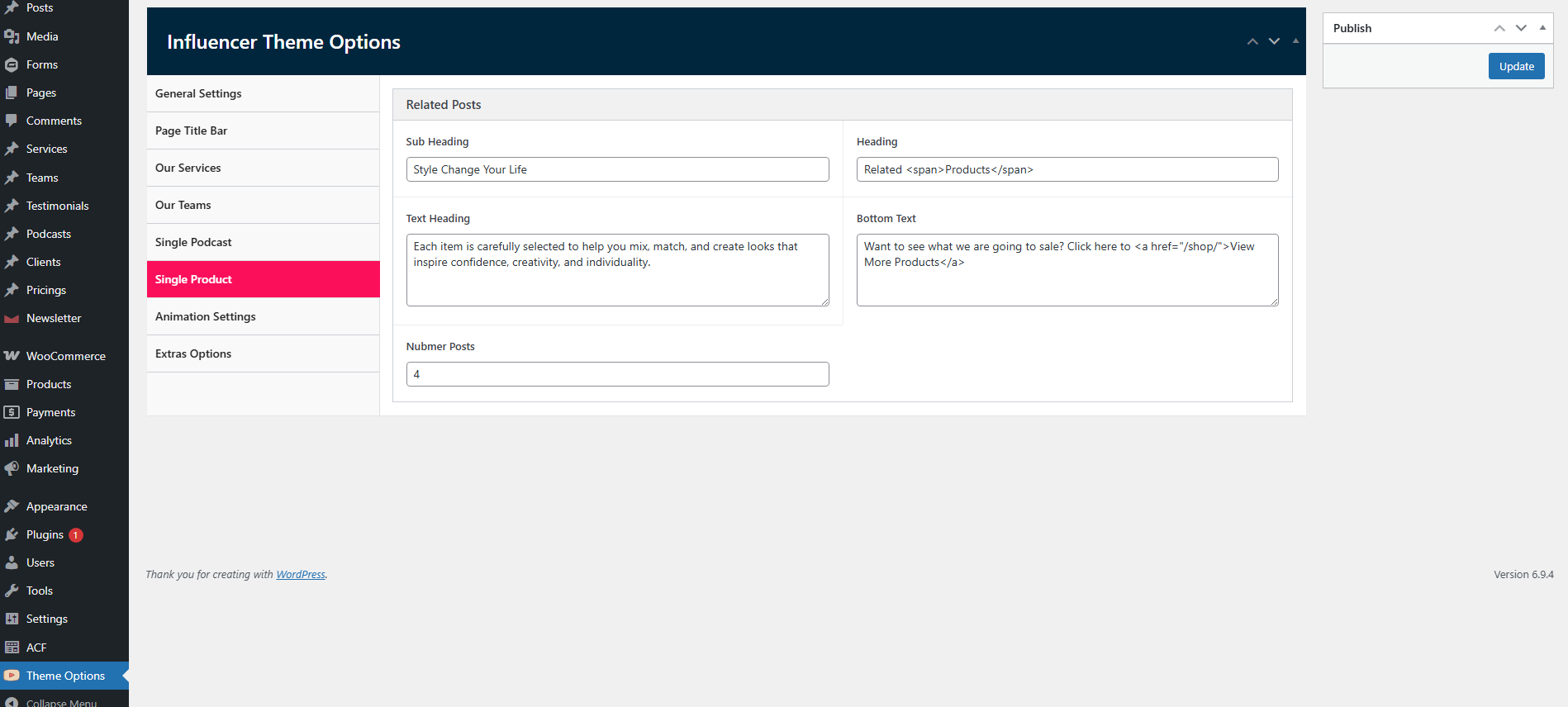
Single Product
Configure all content Related Posts... For single-product page in Influencer → Theme Options → Single Product.
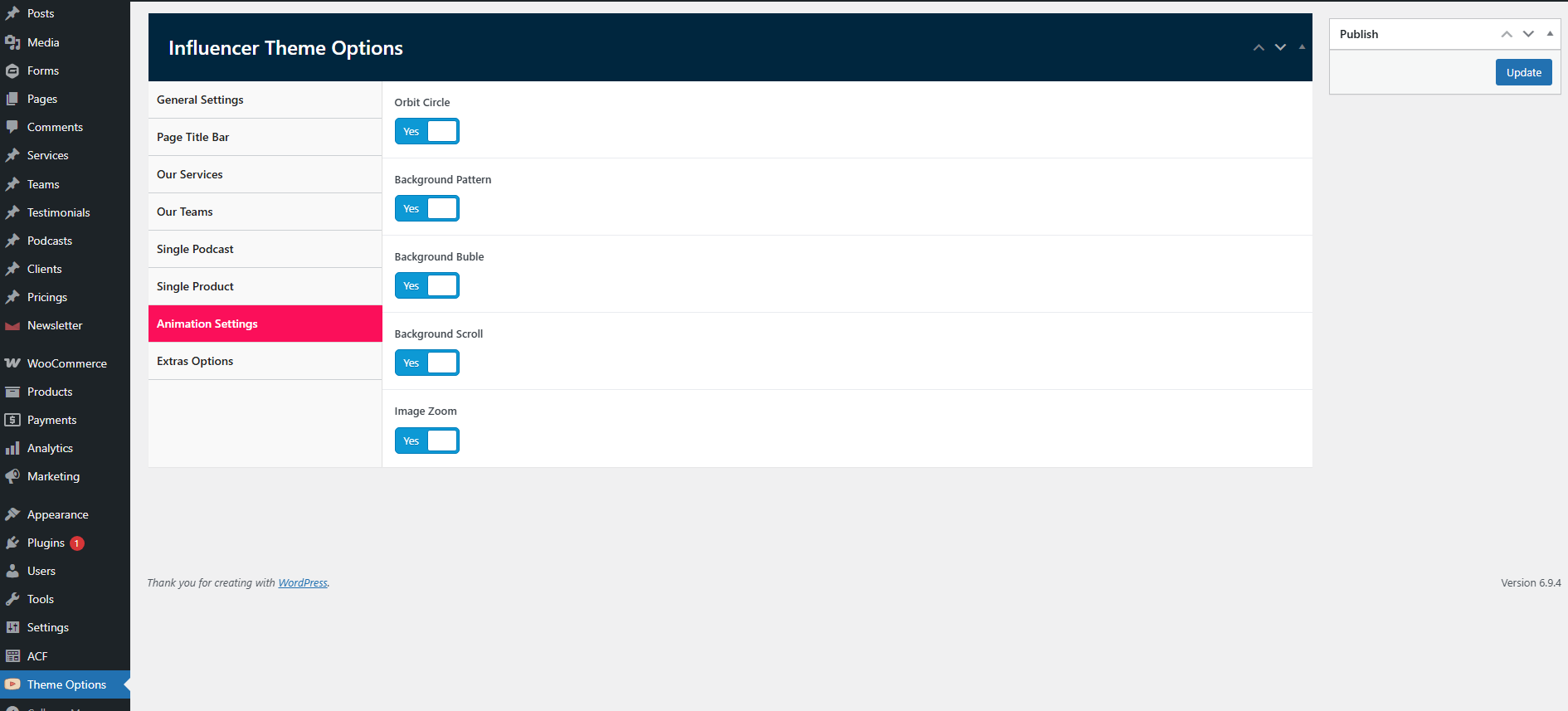
Animations settings
Configure Animations for website in Influencer → Theme Options → Animations settings.