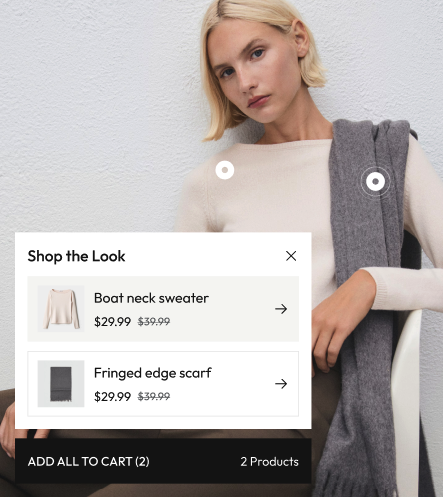


Hotspot
Add interactive hotspots to images and products to create shoppable content and enhance user engagement. Multiple hotspot styles are available for different use cases.
Widget Icon:
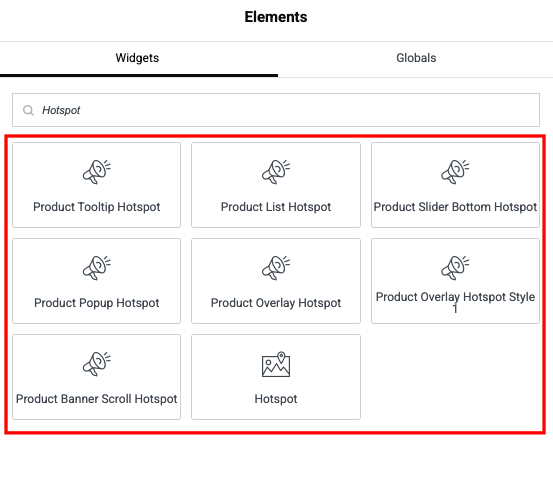
Product Slider Bottom Hotspot
Display product sliders at the bottom of images with numbered hotspots linking to specific products.
Frontend Example:
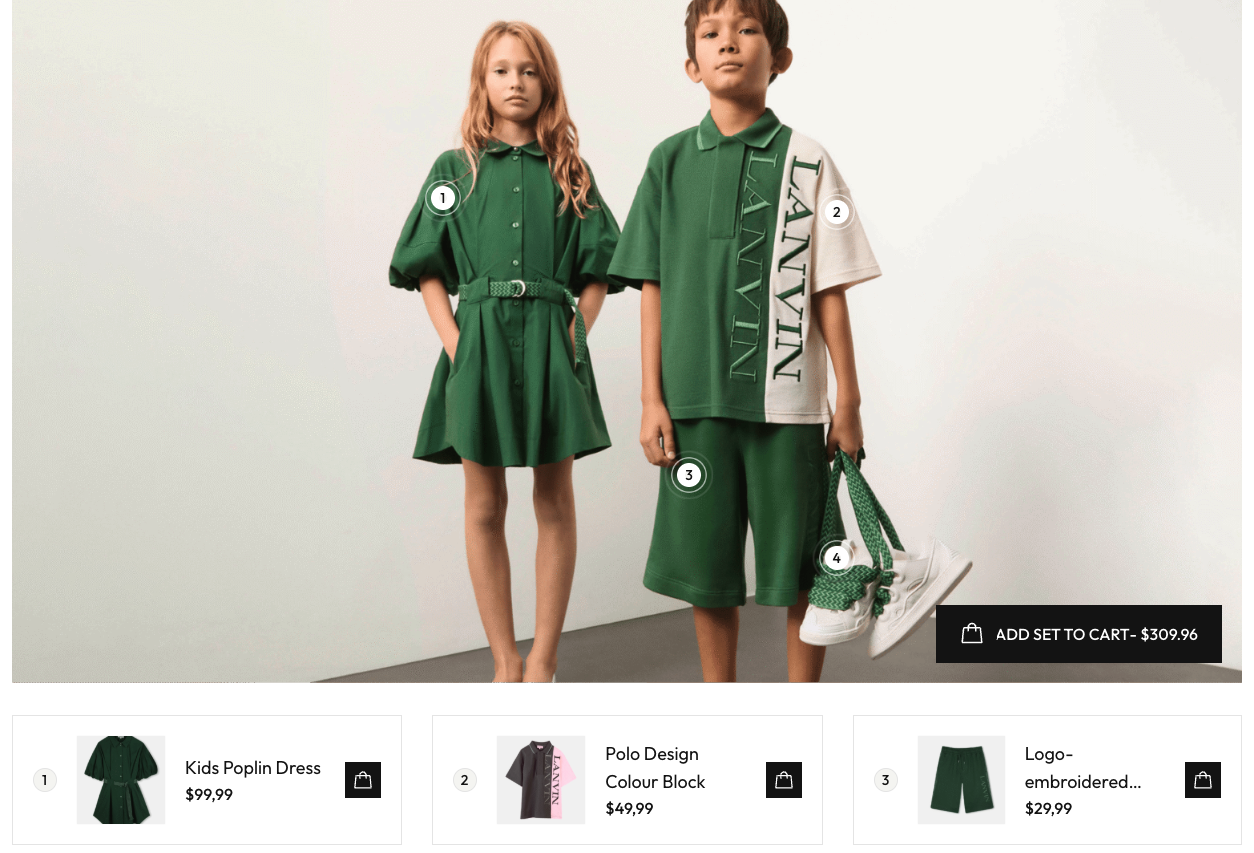
Product List Hotspot
Display product lists with hotspots that show product information in a sidebar or popup panel.
Frontend Example:
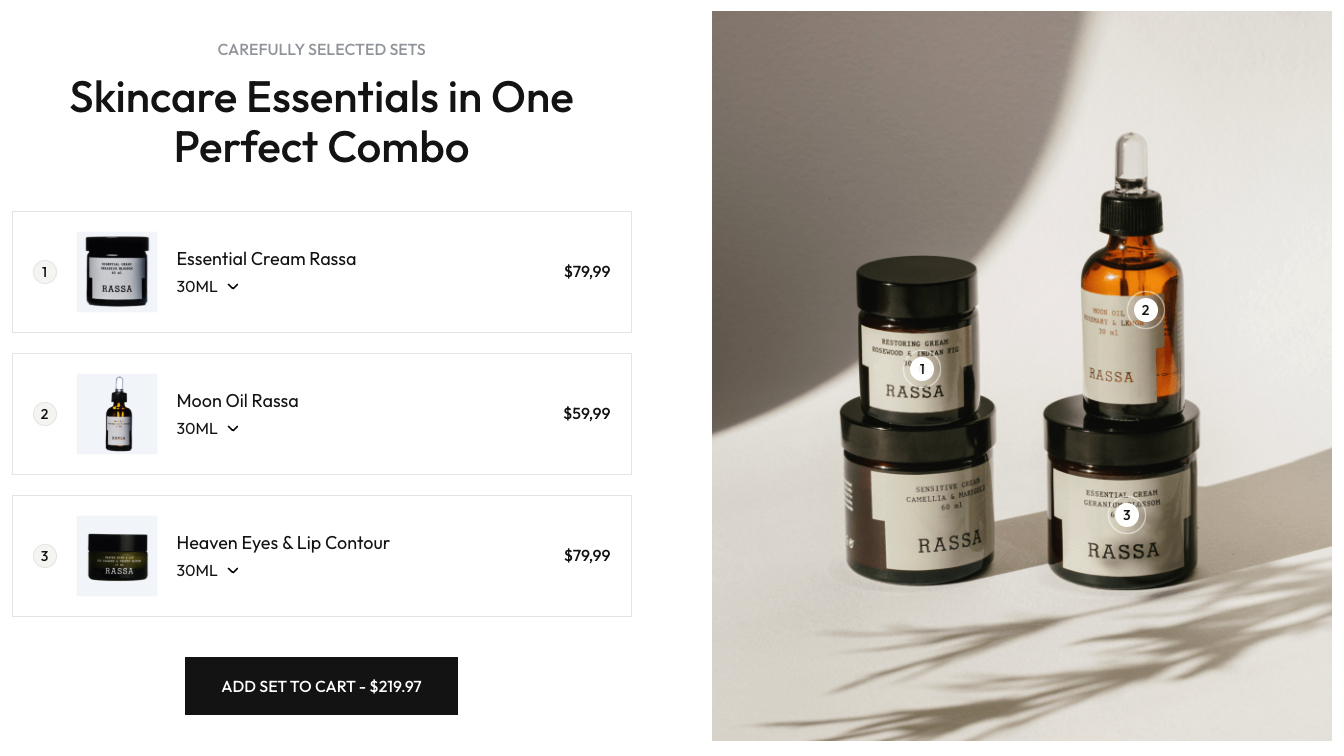
Product Tooltip Hotspot
Display product information in tooltips when customers hover over hotspots on images.
Frontend Example:
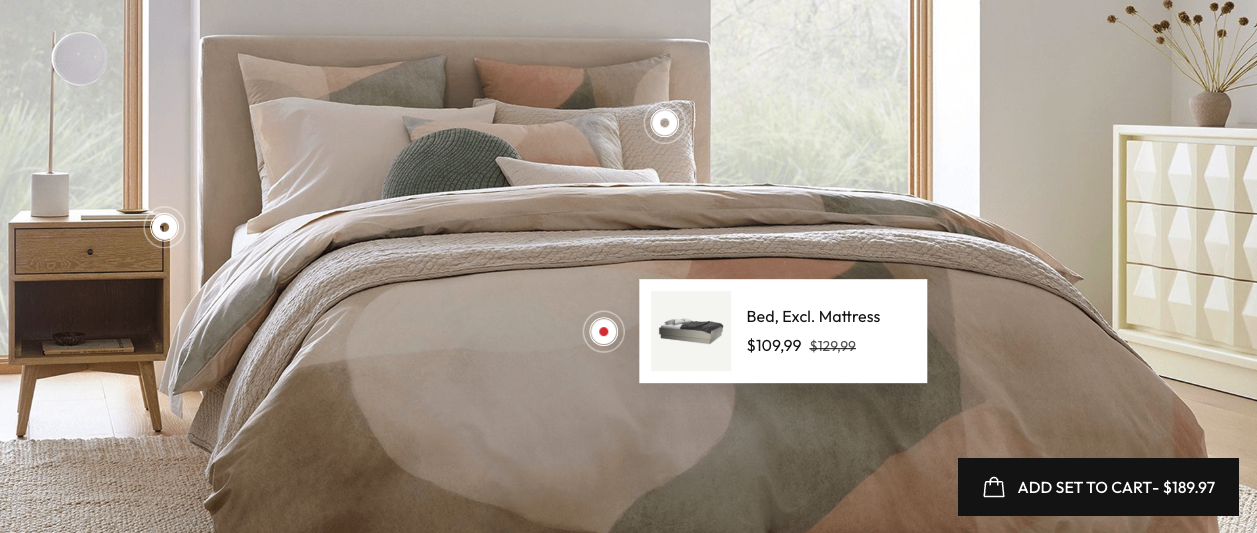
Product Overlay Hotspot
Display product information in an overlay popup when customers click on hotspots on product images.
Frontend Example:

Product Overlay Hotspot Style 1
Display product information in an overlay popup with a different style when customers click on hotspots.
Frontend Example: