


Swatches Showcase
The Product Loop Item Swatches widget displays product variations (sizes, colors, materials, etc.) directly within your product grid or carousel layouts. These interactive swatches allow customers to preview and select different product options without leaving the product listing page, creating a more engaging shopping experience.
Tutorial Video
Widget
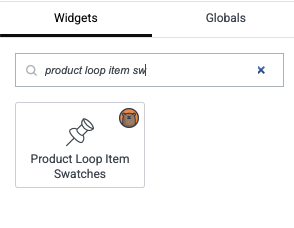
In Elementor, open Widgets and search for Product Loop Item Swatches to add it to your Loop Grid or Loop Carousel template.
Layout examples
Layout 1
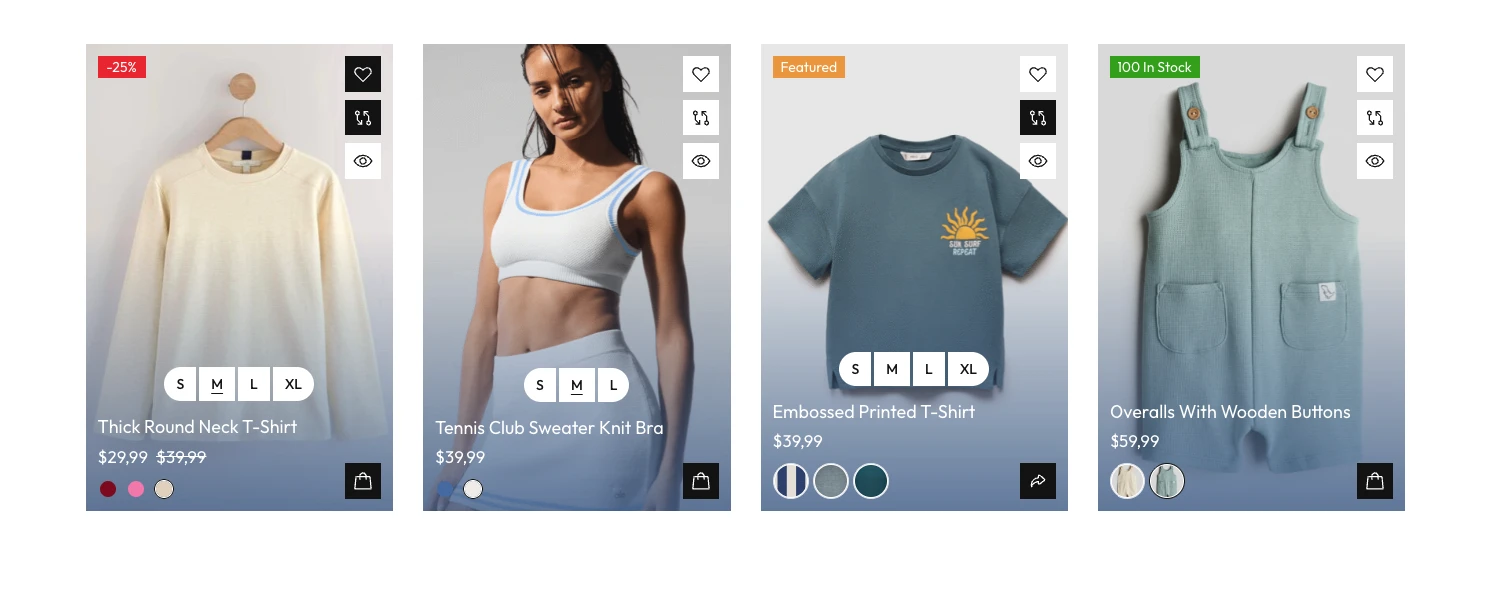
Layout 2
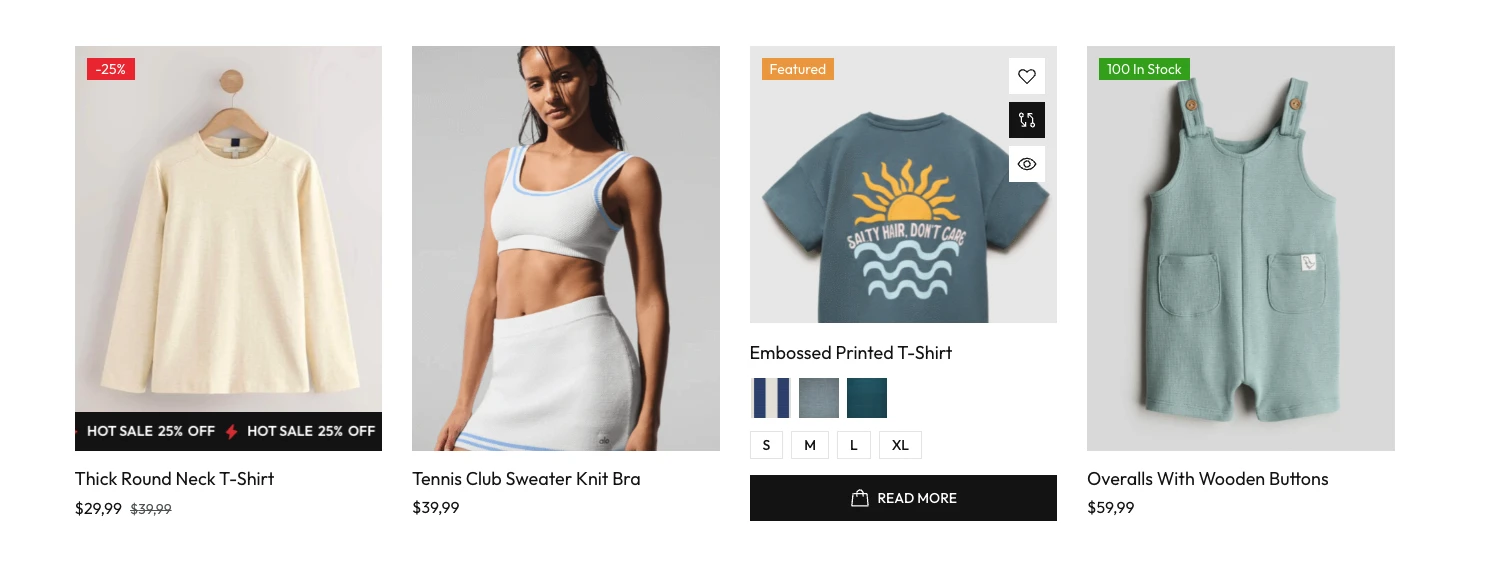
Layout 3
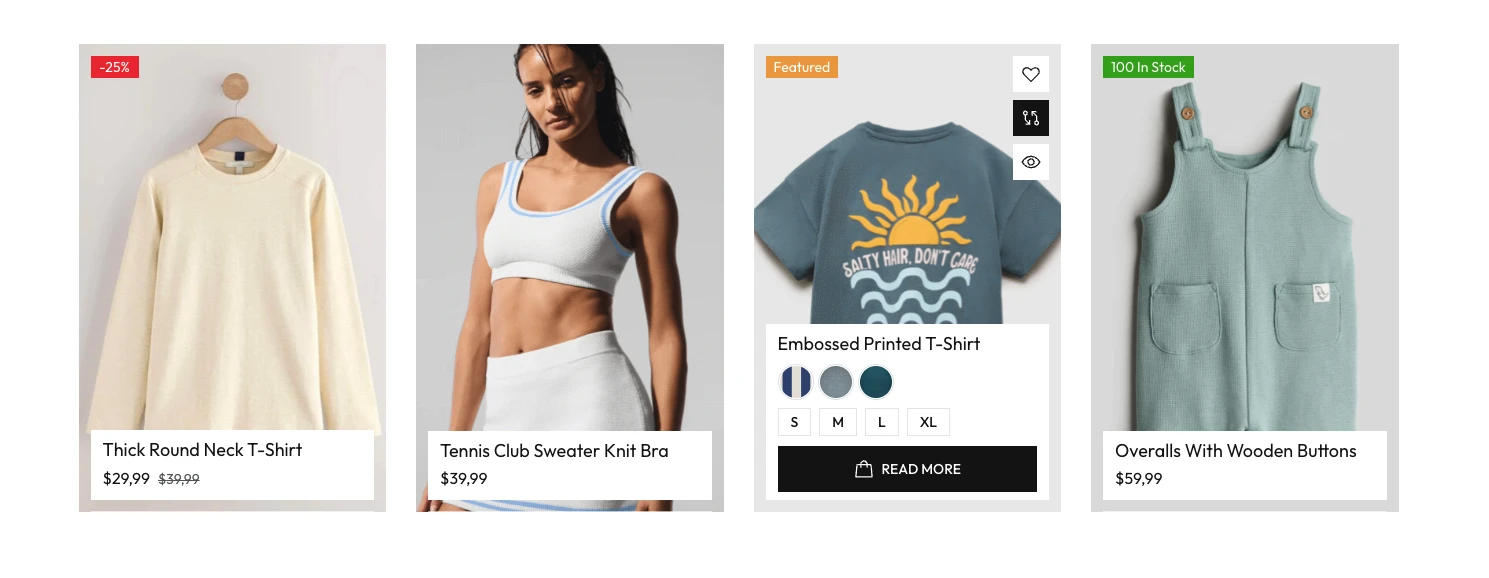
Layout 4
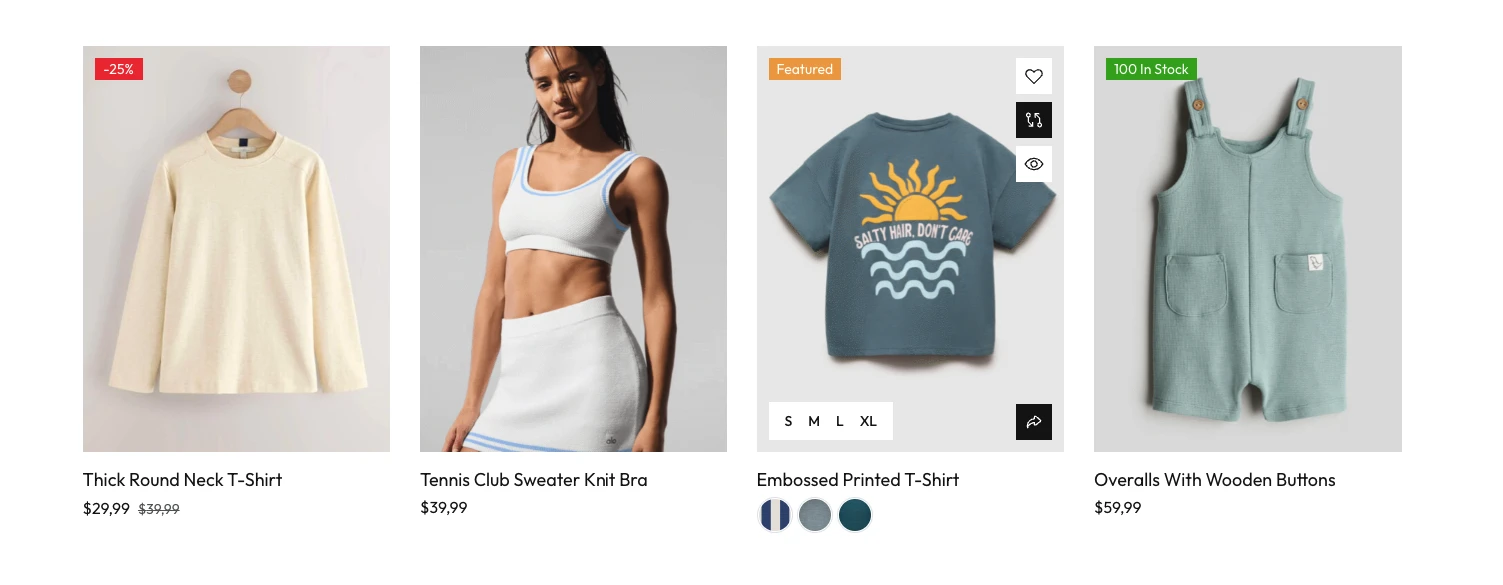
Layout 5
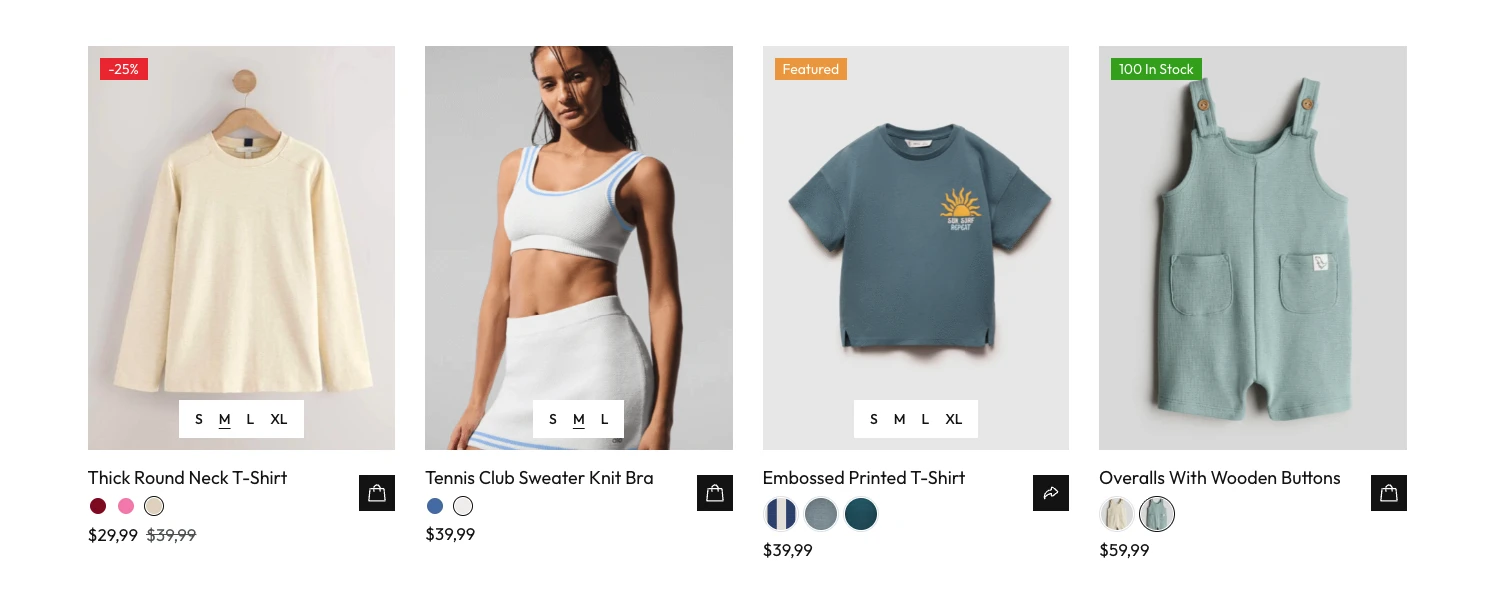
Layout 6
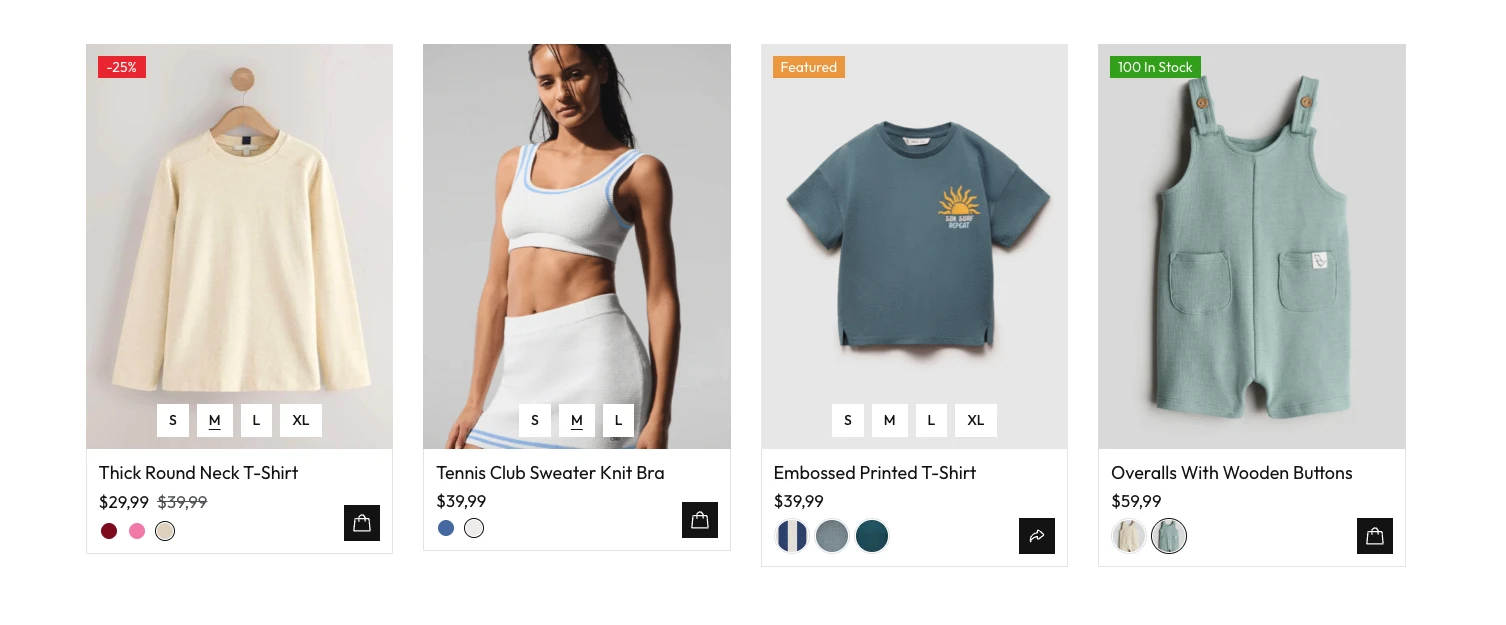
Layout 7
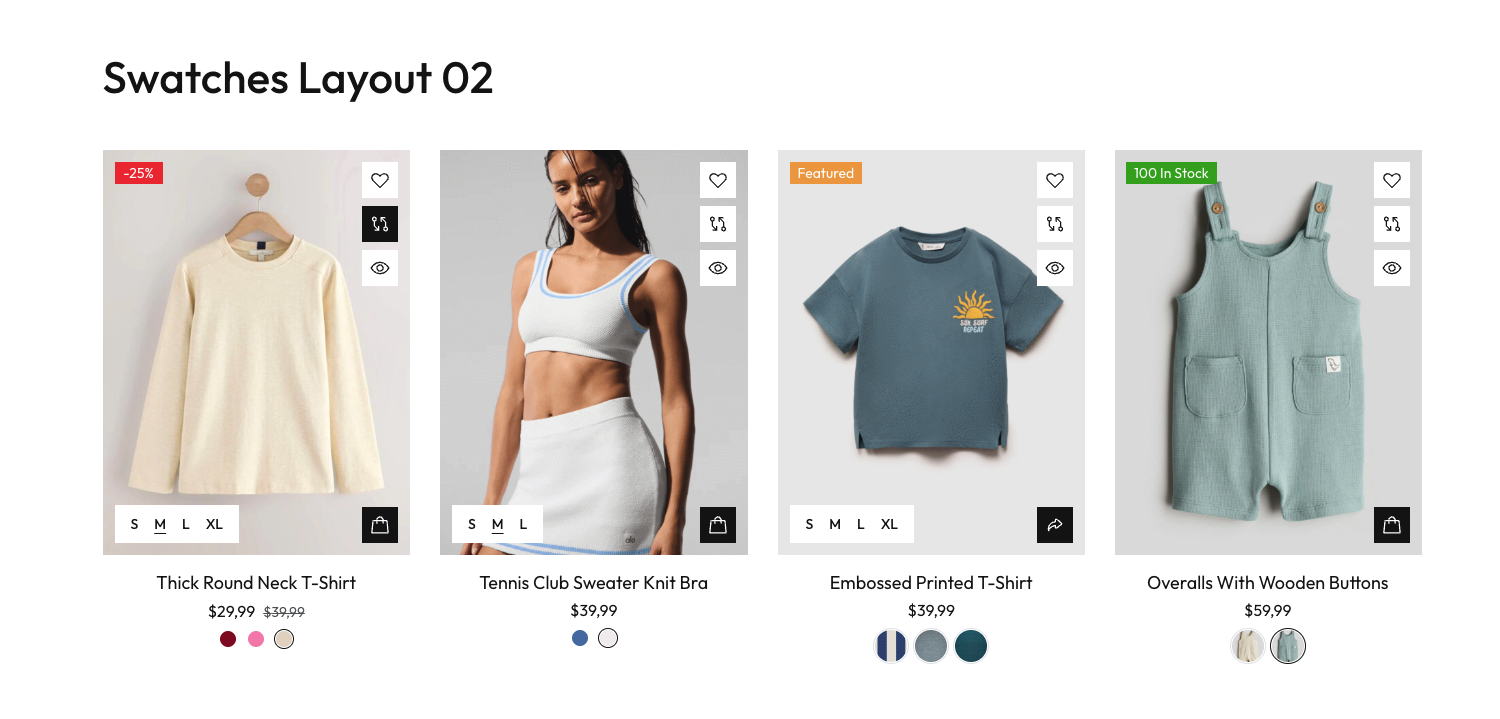
Settings
Edit the Product Loop Item Swatches widget in your Loop Grid or Loop Carousel template to customize how size/color is displayed on each product item.
Combine with Product Loop Item and the available styles to match the swatches appearance to your loop layout.