


Welcome to Alone Documentation
Your go-to guide for installing, customizing, and scaling with the Alone theme.
Alone – Best-Selling Charity & Non-Profit WordPress Theme
Alone is the top-selling WordPress theme for charity, nonprofit, NGO, fundraising, and social organizations on ThemeForest — consistently ranked as the most popular in the Non-Profit category week after week. Trusted by thousands of nonprofits worldwide, Alone is more than just a theme — it’s a complete solution to build a powerful, emotionally resonant online presence for your cause.
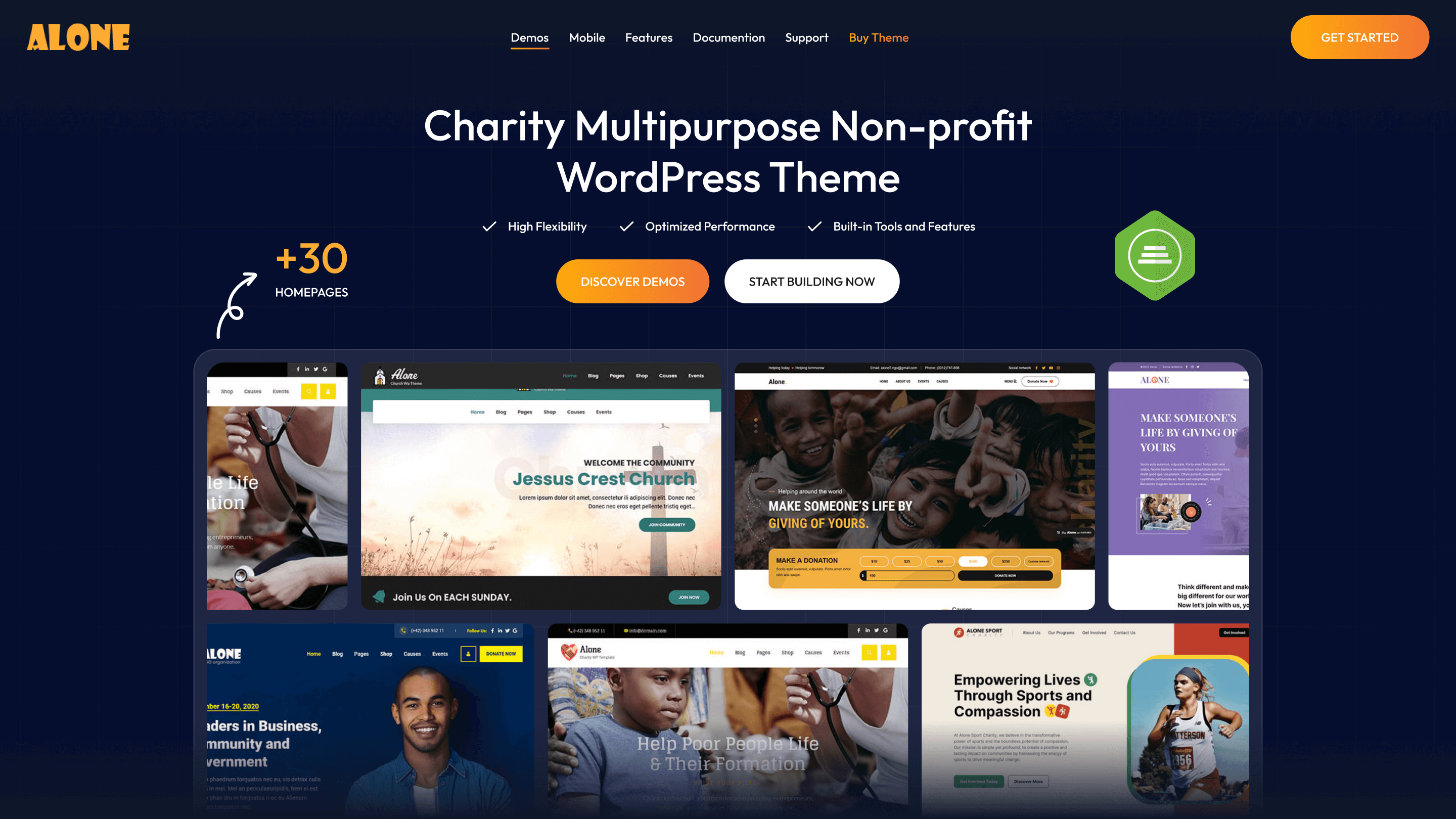
With over 40+ purpose-built demos, powerful donation functionality, and beautiful event and campaign layouts, Alone helps you launch a professional nonprofit website in minutes. Built with Elementor and integrated with GiveWP, WooCommerce, the theme gives you full control over design, fundraising, and communication — without writing a single line of code.
Alone is optimized for speed, mobile, and SEO, ensuring your message reaches more people and converts better. It supports multiple payment gateways, multilingual websites (WPML-ready), RTL layouts, and powerful call-to-action sections to drive donations and engagement.
Whether you’re raising funds, sharing a mission, or running an international campaign, Alone gives you the tools, credibility, and performance to succeed — all backed by a dedicated support team and regular updates.
Key Features of Alone
-
Top-Selling Non-Profit Theme – Market-leading charity WordPress theme with thousands of downloads and excellent reviews.
-
30+ Purpose-Built Demos – One-click import layouts for donations, volunteering, events, and fundraising campaigns.
-
Integrated With GiveWP & Elementor – Raise funds easily and build custom layouts with powerful drag-and-drop tools.
-
Speed & SEO Optimized: The clean source code ensures lightning-fast loading speeds and high Google PageSpeed scores, helping you reach more potential donors.
Event Management Integration: Easily create schedules, sell tickets, or manage volunteer registrations directly on your website.
Technical Specifications
| Feature | Details |
|---|---|
| Fully Responsive & Retina Ready | Professionally crafted to display beautifully on all devices — desktop, tablet, and mobile — with crisp retina support. |
| WooCommerce Compatible | Built-in support for WooCommerce so you can sell products, merchandise, or services alongside your fundraising campaigns. |
| Drag‑and‑Drop Page Builder | Powered by Elementor Pro and dedicated custom widgets for charity websites — no coding needed. |
| Donation & Fundraising Ready | Seamless integration with GiveWP plus built‑in donation progress bars, goals, and multiple payment gateway support. |
| Multilingual & RTL Support | Fully compatible with WPML and RTL languages for global reach. |
| One‑Click Demo Import | Import 30+ purpose‑built demos instantly and get your site ready in minutes. |
| Custom Layouts & Widgets | Includes multiple header/footer layouts, campaign templates, event lists, volunteer sections, and more. |
| Optimized for Performance & SEO | Clean and fast‑loading markup built for SEO, speed, and cross‑browser compatibility. |
| Accessibility Ready | Designed with accessibility in mind — supports keyboard navigation, contrast control, and focus states. |
| Premium Support & Documentation | Comes with detailed documentation and dedicated support from the Beplusthemesteam. |
Why Should You Choose Alone?
-
Emotionally Driven Design: Colors and layouts are scientifically researched to build trust and encourage donation actions.
-
Cost-Effective: Instead of hiring developers to build complex donation systems, Alone provides everything out-of-the-box.
-
Endless Customization: Easily change colors, fonts, and layouts to match your organization’s unique brand identity.
Conclusion: If you are looking for a "digital home" to spread positive values, the Alone Charity Multipurpose Theme is the sturdiest foundation to begin your philanthropic journey.
Experience the Demo here: Alone PreviewBrowse help docs: Use the search bar to find topics instantly
Contact us: If you have any questions beyond the scope of this documentation, drop us a message at bearsthemes@gmail.com or submit a ticket through our Contact form.