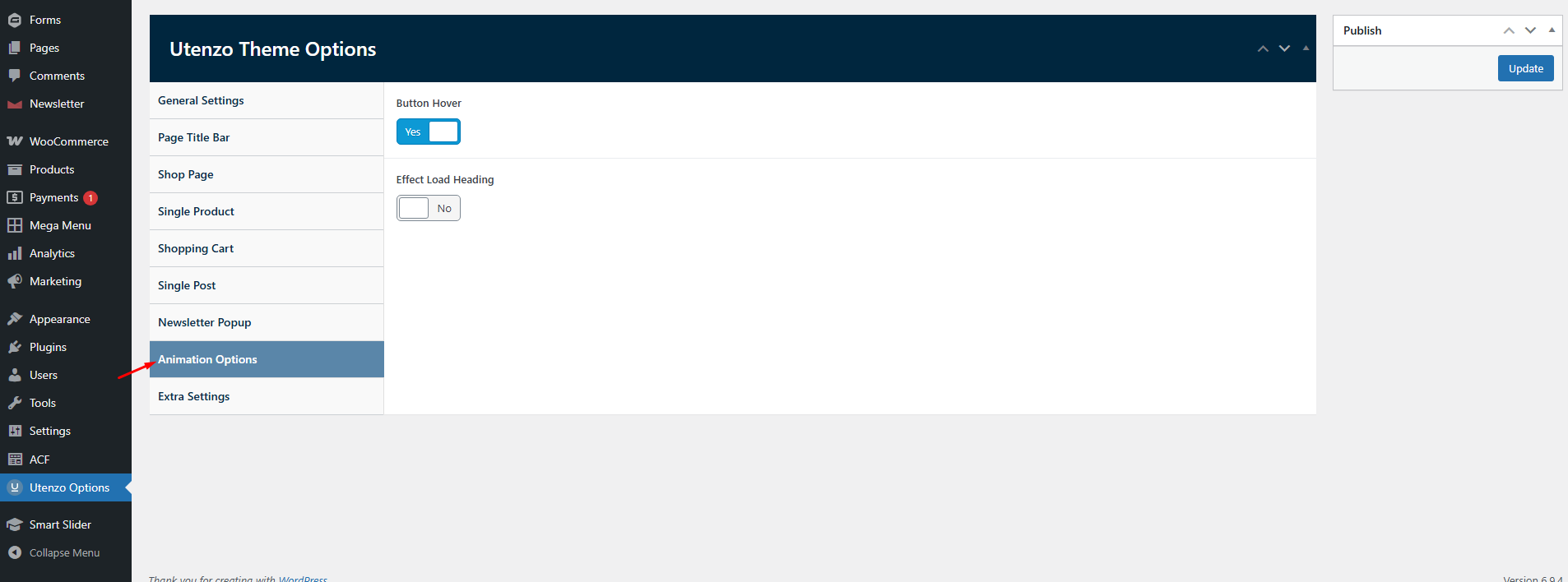


General Settings
Configure general theme settings that affect your entire site, including the announcement bar, notifications, and other site-wide options.
To access the announcement bar settings, navigate to Utenzo → Utenzo Options in your WordPress admin sidebar.
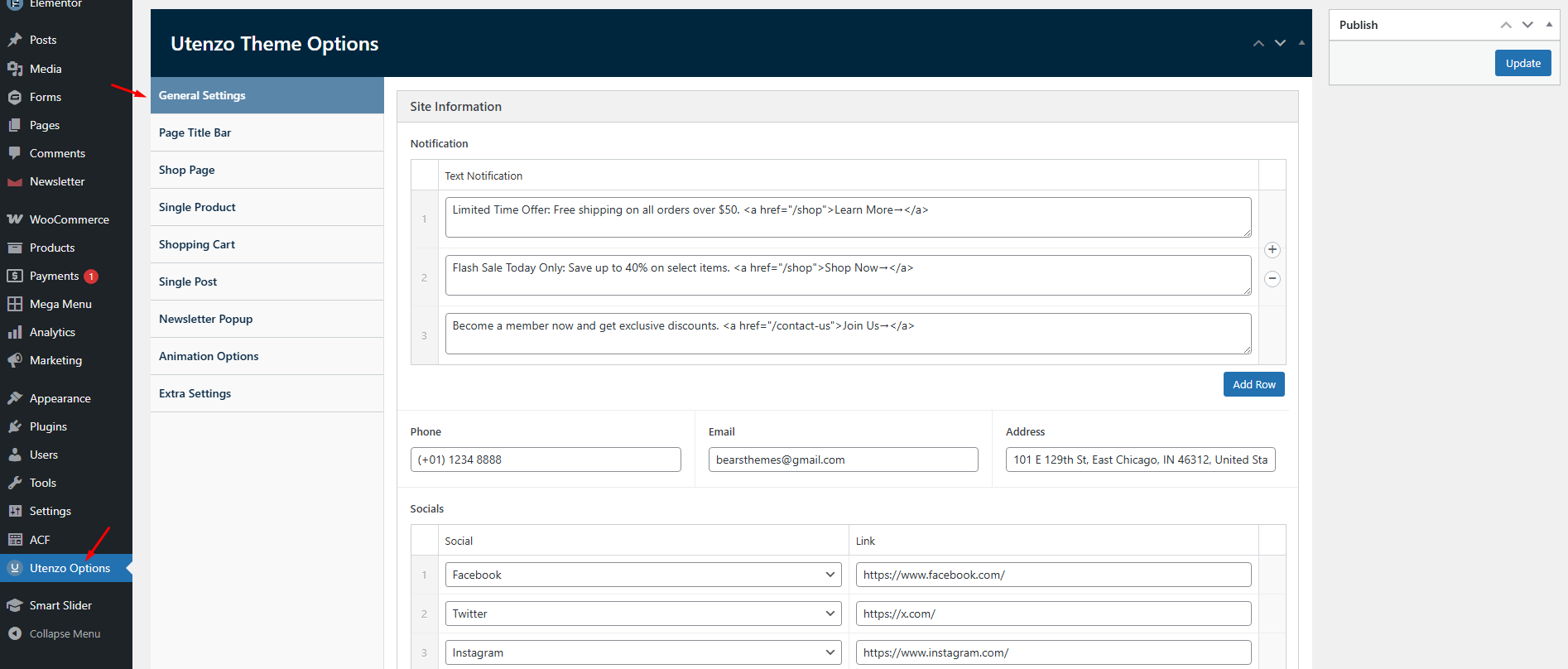
Announcement Bar
The announcement bar appears at the top of your header and is perfect for displaying promotional messages, shipping information, or important notices. All announcement bar settings are configured in Utenzo → Utenzo Options → General.

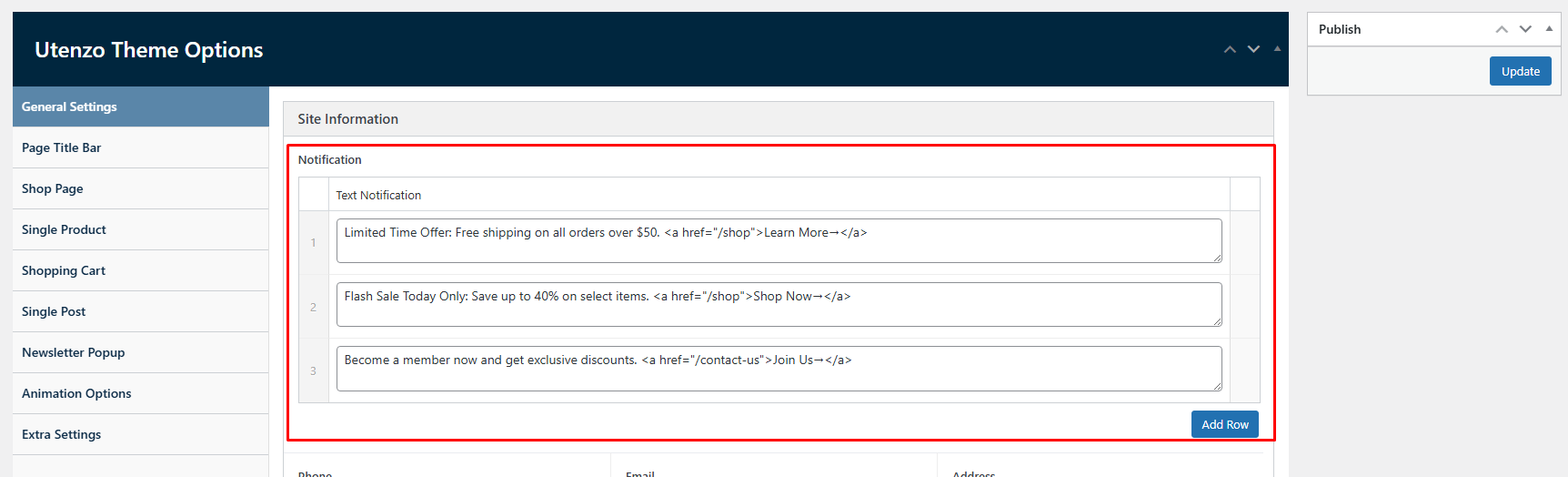
Configuring Notifications
Set up multiple notification messages that can rotate or display in sequence:
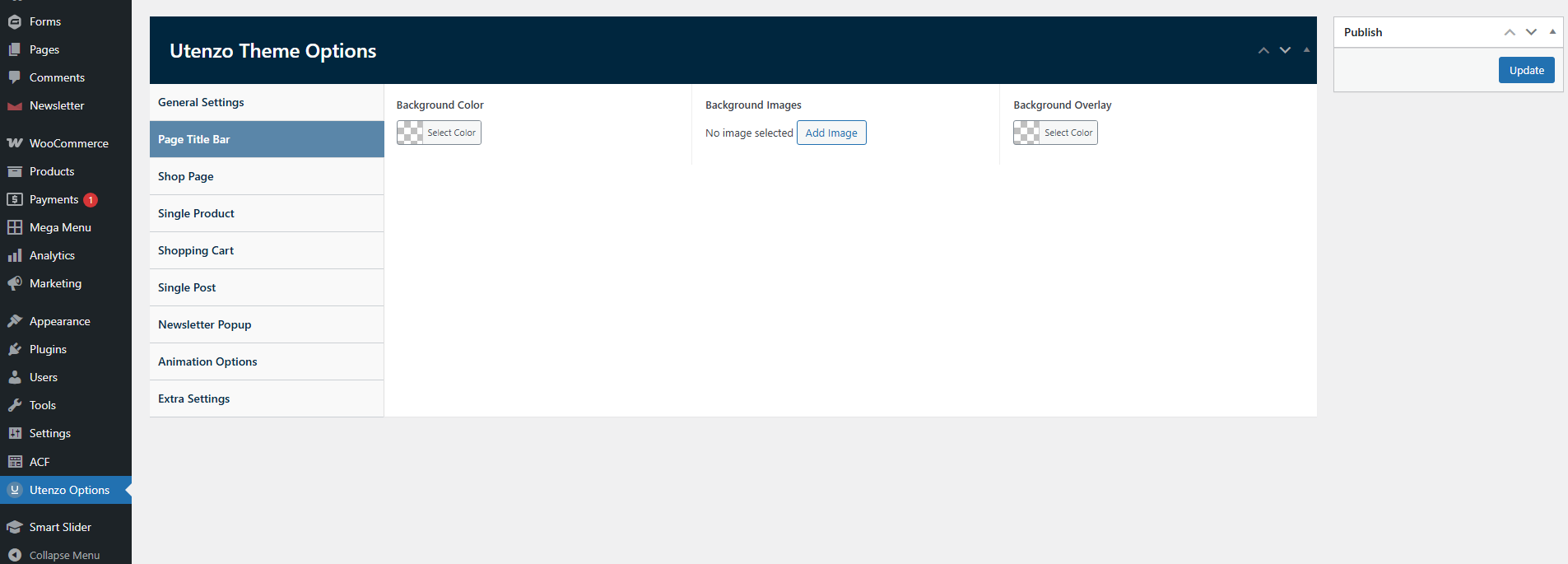
Title Bar
The title bar (breadcrumb) appears above page content and helps users navigate your site. Configure title bar settings in Utenzo → Utenzo Options → Page Titlebar.
Use a subtle background for the title bar that complements your header design. Avoid making it too prominent as it can distract from your main content.
Shop Page
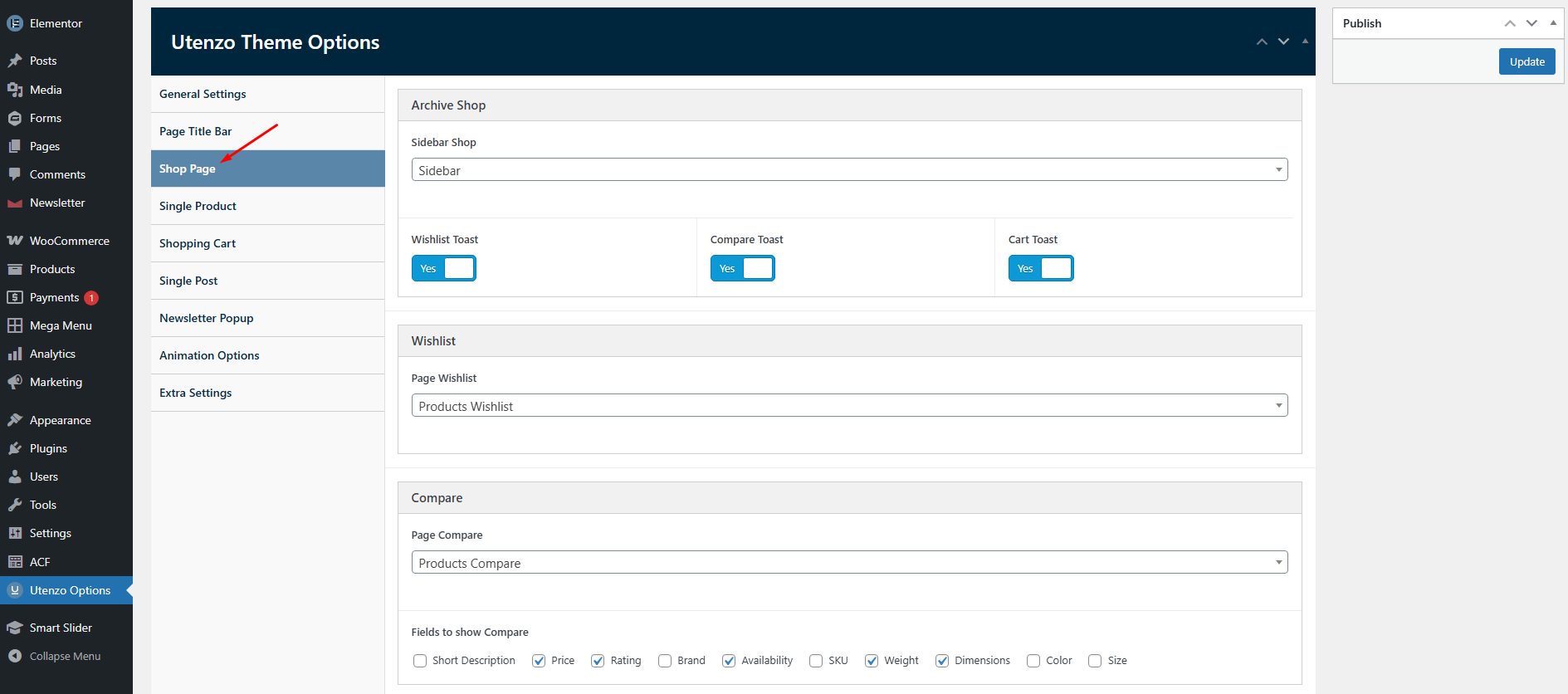
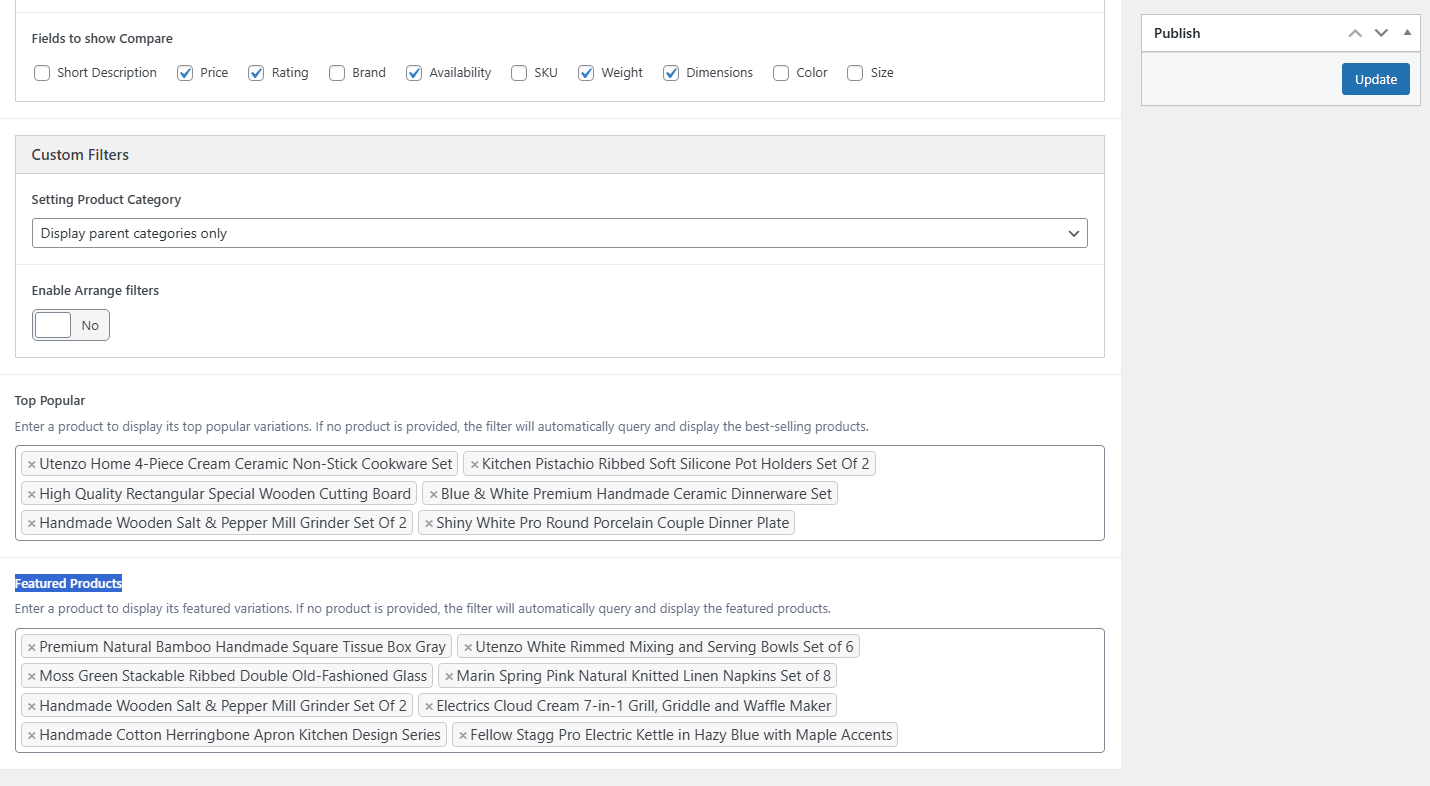
Configure all shop-related settings including the Archive Shop, wishlist, Compare, Custom Filters, Top Popular, and Featured Products in Utenzo → Theme Options → Shop Page.
Single Product
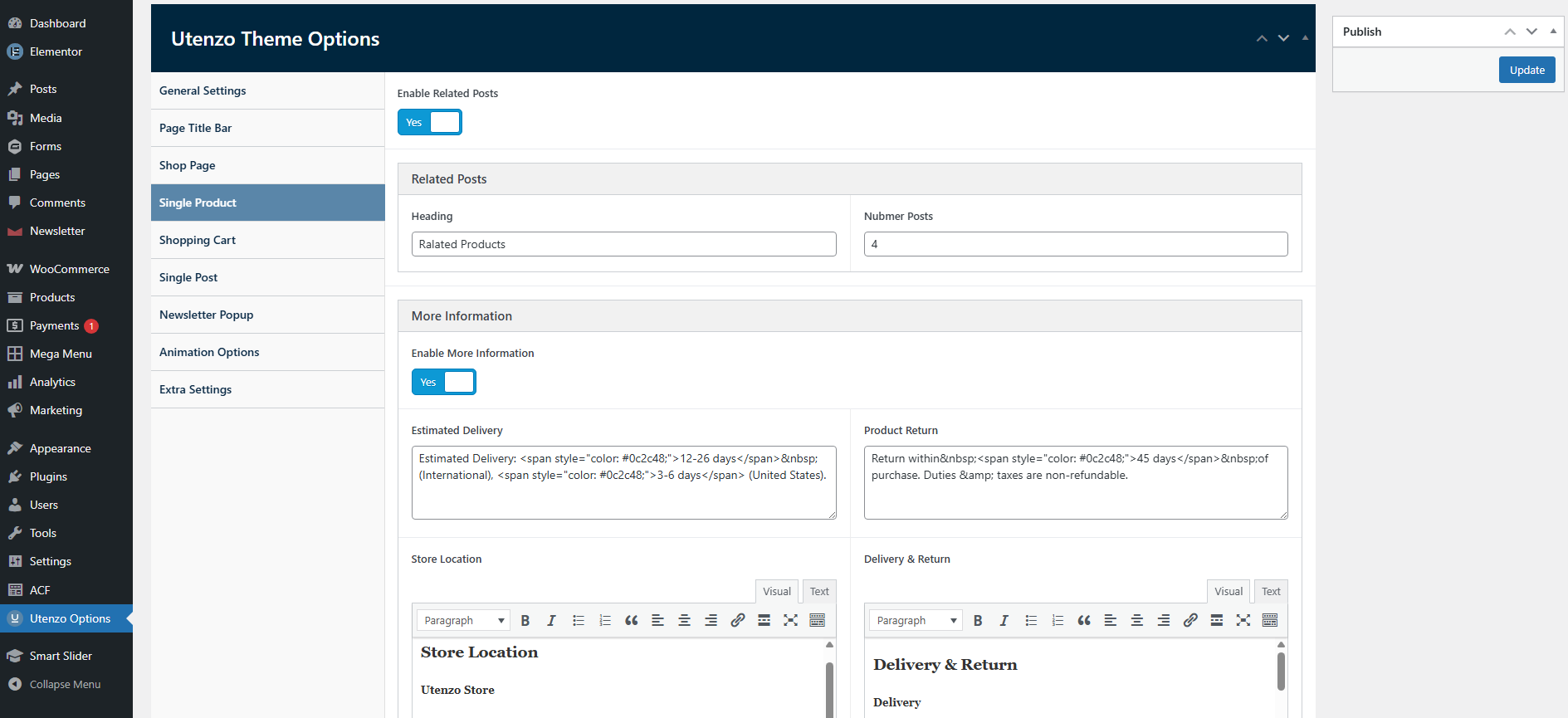
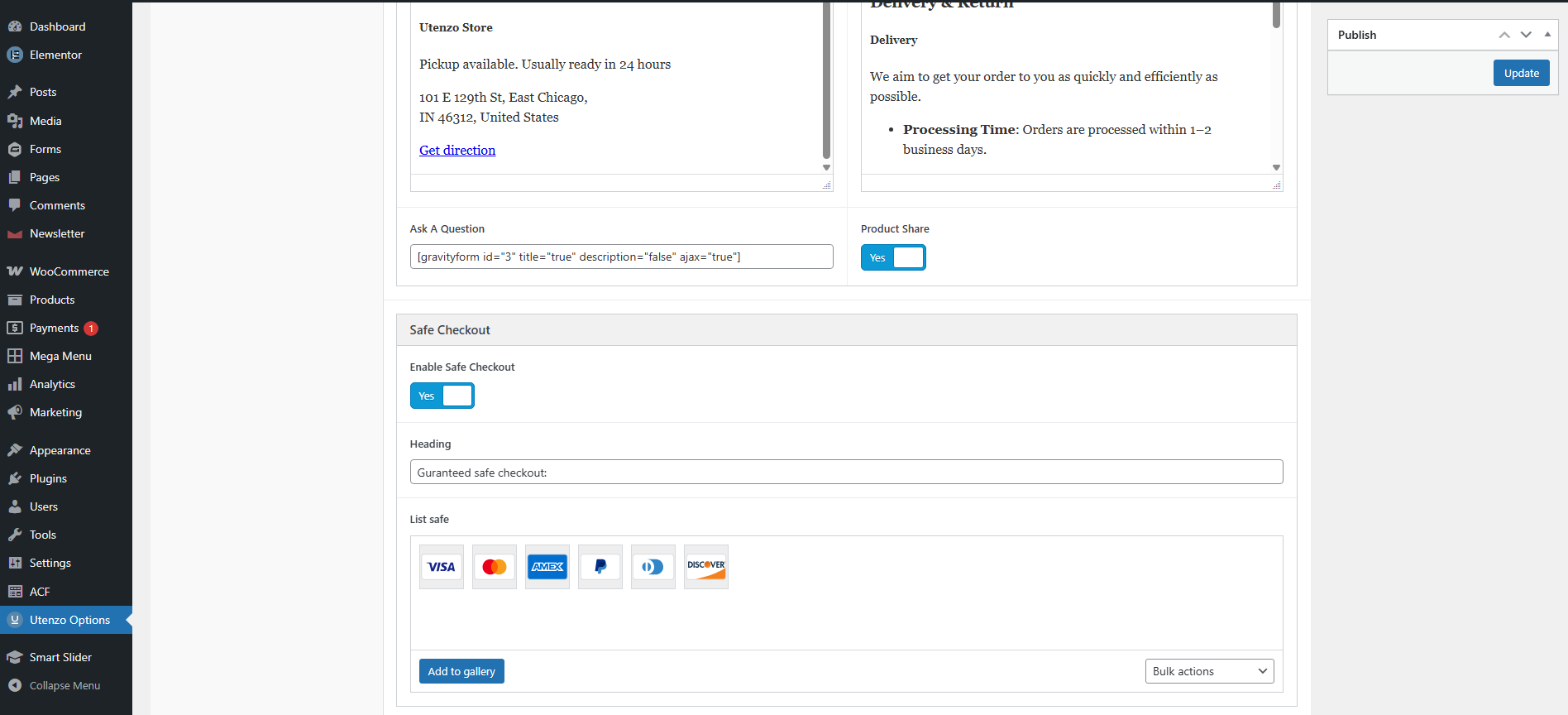
Configure all single product settings including the Related Posts, More Information, Safe Checkout in Utenzo → Theme Options → Single product.
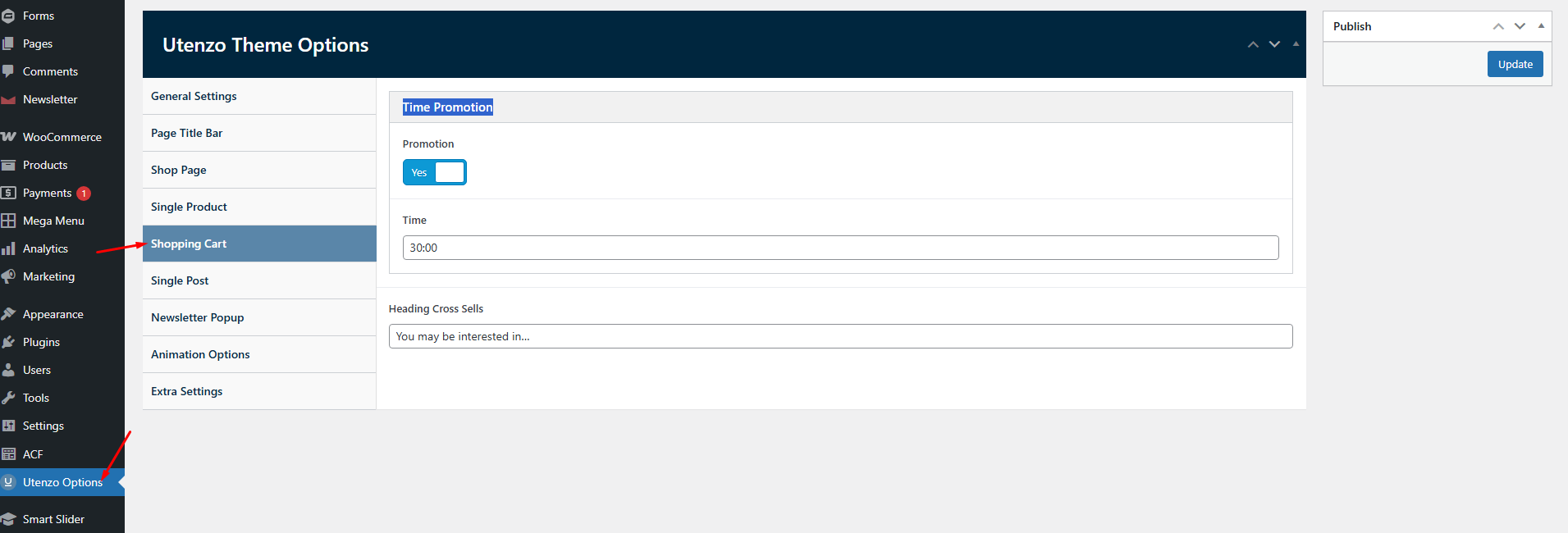
Shopping Cart
Configure all Shopping Cart settings including the Time Promotion in Utenzo → Theme Options → Shopping Cart.
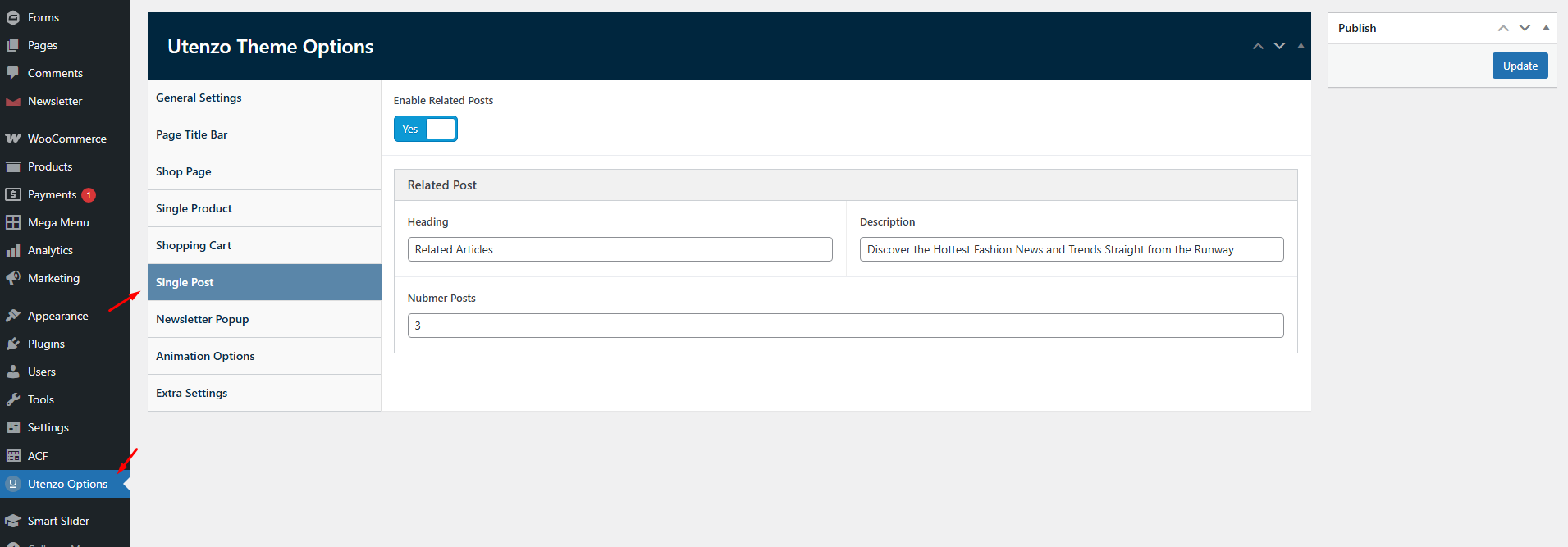
Single Post
Configure all single product settings including the Enable Related Posts in Utenzo → Theme Options → Single post.
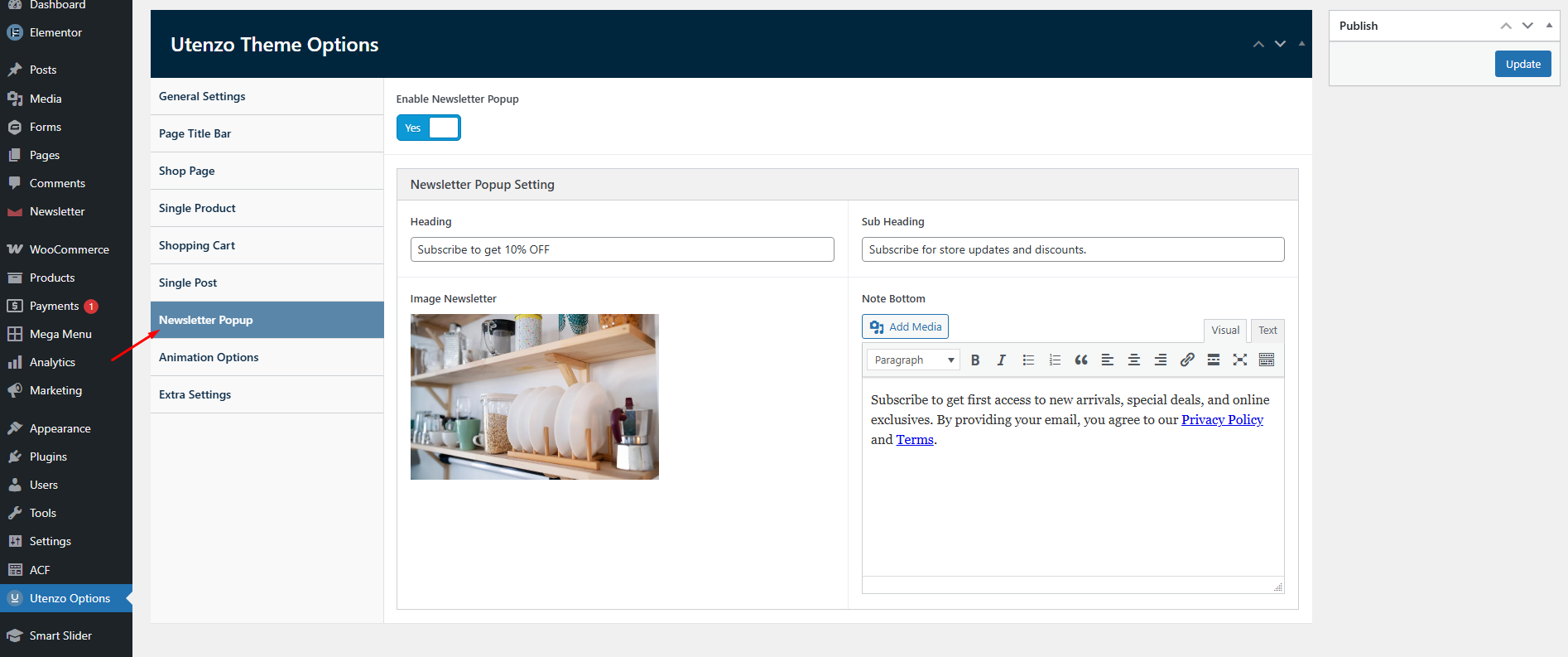
Newsletter Popup
Configure all single product settings including the Enable Newsletter Popup in Utenzo → Theme Options → Newsletter Popup.
Anaimation Options
Configure all single product settings including the Enable button hover in Utenzo → Theme Options → Anaimation Options.