

Product Settings
All single product page settings are configured in Woozio → Theme Options → Product.
AJAX Add to Cart
Enable AJAX add to cart buttons on single product pages to allow customers to add products to cart without page reload.

Related Products
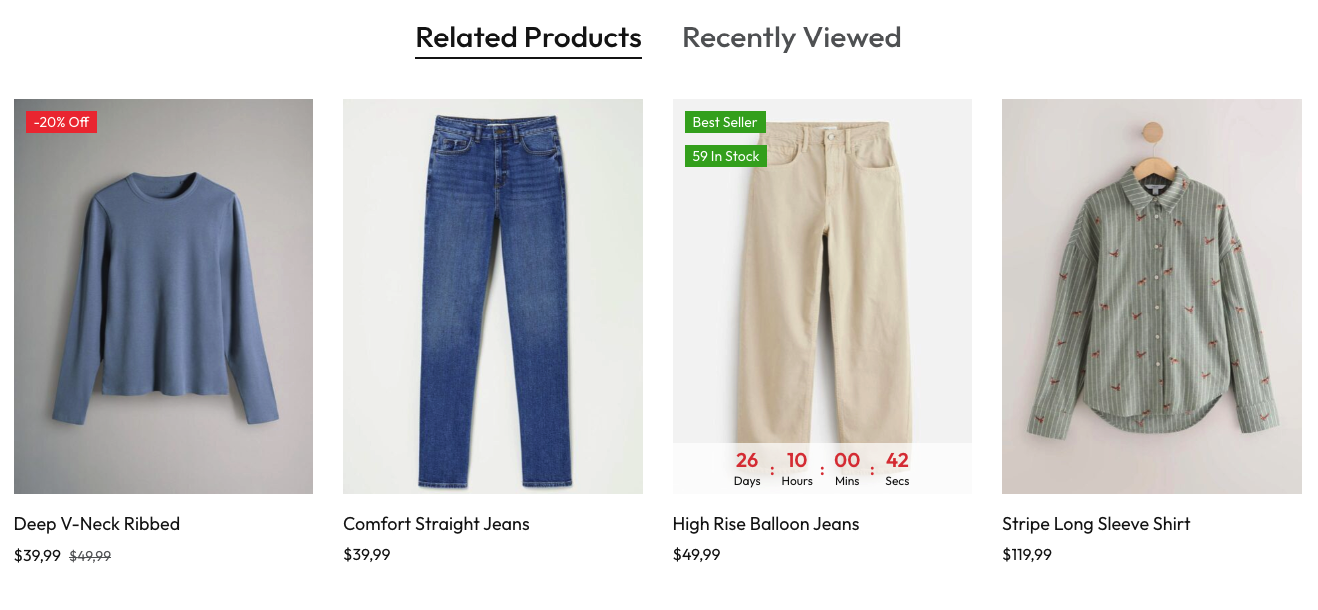
Display related products on single product pages to encourage customers to explore more items.
- Enable Related Posts: Toggle to show/hide related products
- Heading: Set the heading text (default: "Related Products")
- Number Posts: Set the number of products to display

Frontend Display:
Size Guide
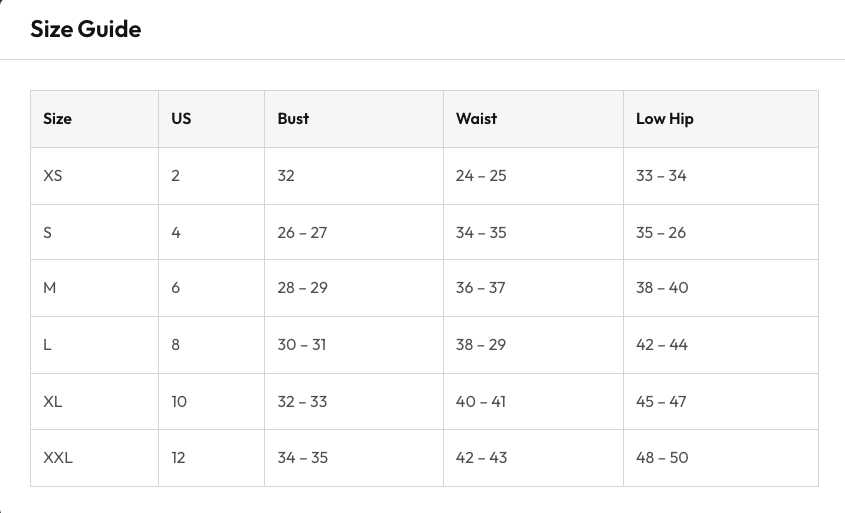
Display a size guide table to help customers choose the correct product size. The size guide content is created in the page editor, and you can enable it for individual products.
Enable Size Guide for Product:
To show the size guide button on a specific product page, go to Products → All Products, edit the product, and enable the "Show size guide button for this product" checkbox.

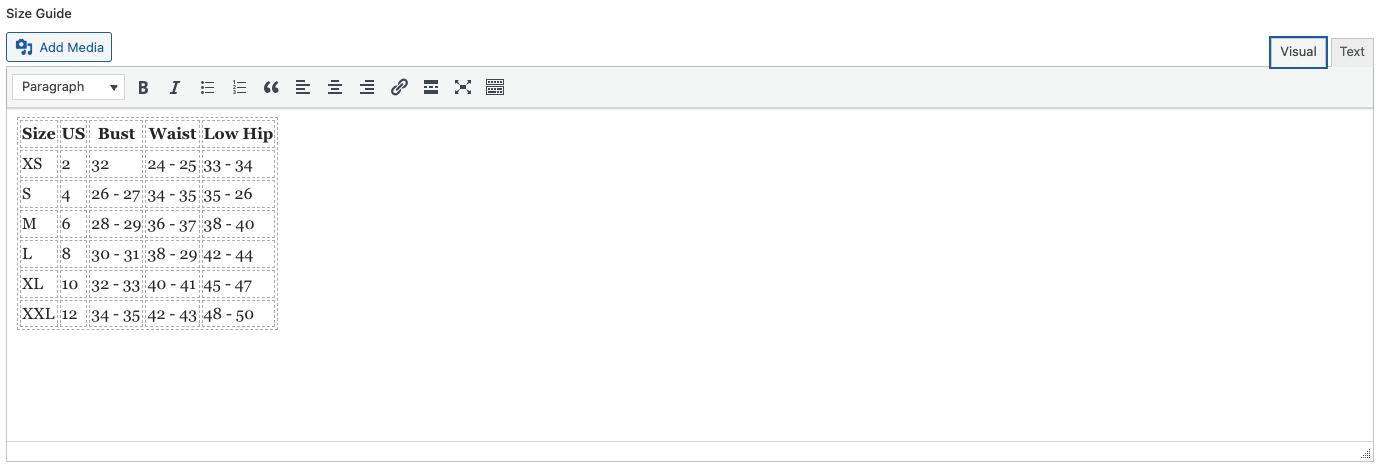
Create Size Guide Content:
Create the size guide content by going to Pages → Add New and adding your size guide table with measurements and sizing information.
Frontend Display:
When enabled, customers will see a "Size Guide" button on the product page. Clicking the button will display the size guide table with measurements.
More Information
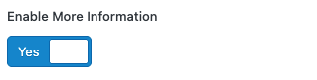
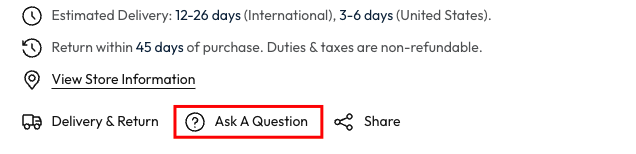
Enable the More Information section to display additional product details including delivery information, return policy, store location, and customer interaction options.
You must enable this toggle before the sections below will be visible.
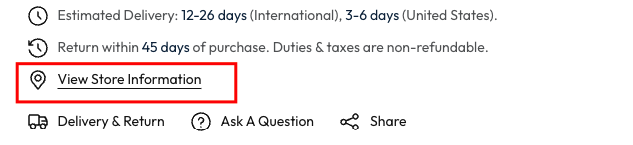
Estimated Delivery & Product Return
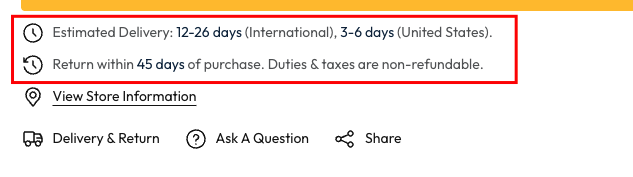
Configure delivery and return information that displays on product pages:
- Estimated Delivery: Set delivery timeframes for International and United States
- Product Return: Set return policy text and return window

Frontend Display:
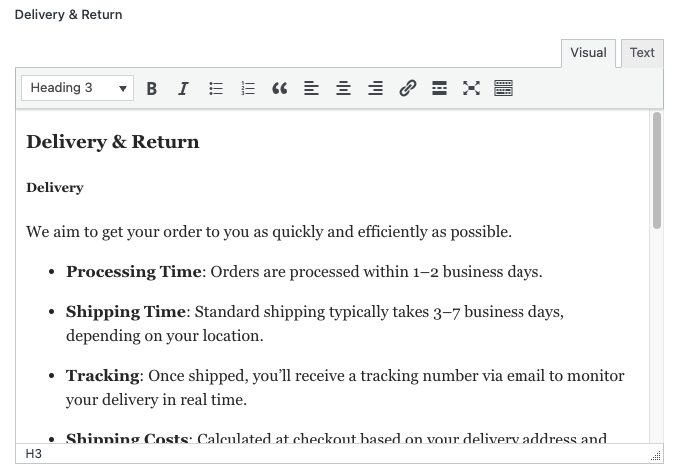
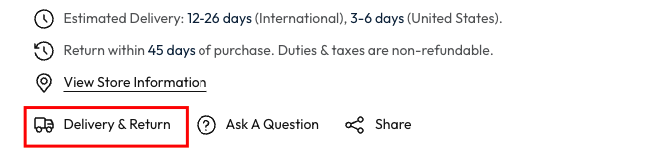
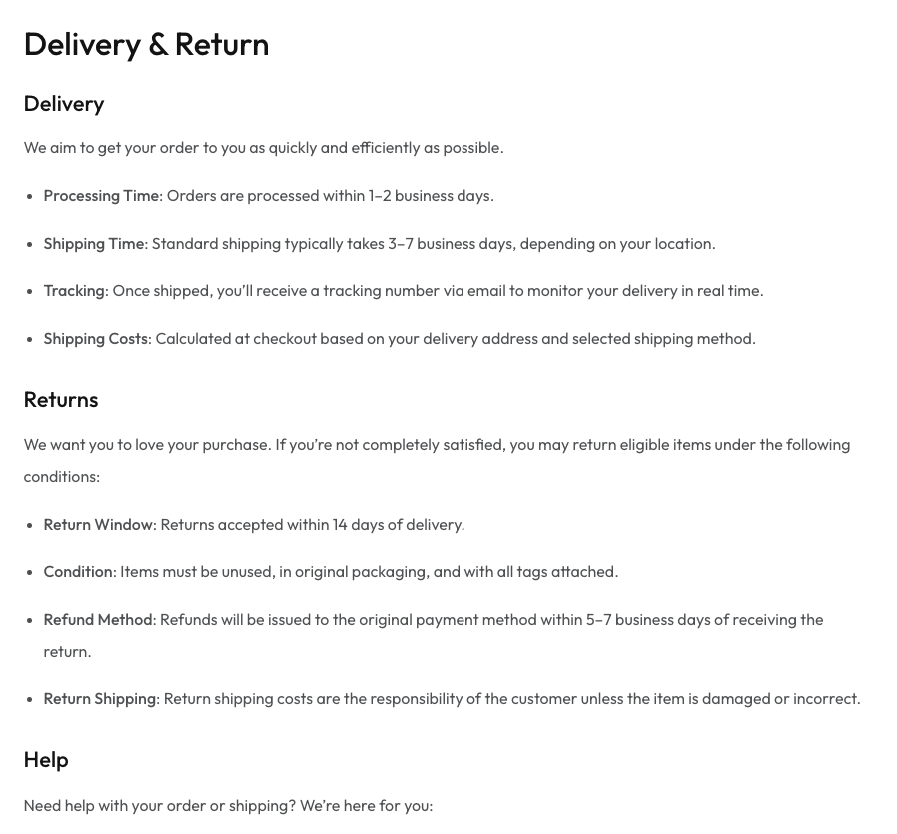
Create detailed delivery and return information pages. Go to Pages → Add New and create content with delivery policies, shipping times, return conditions, and help information.
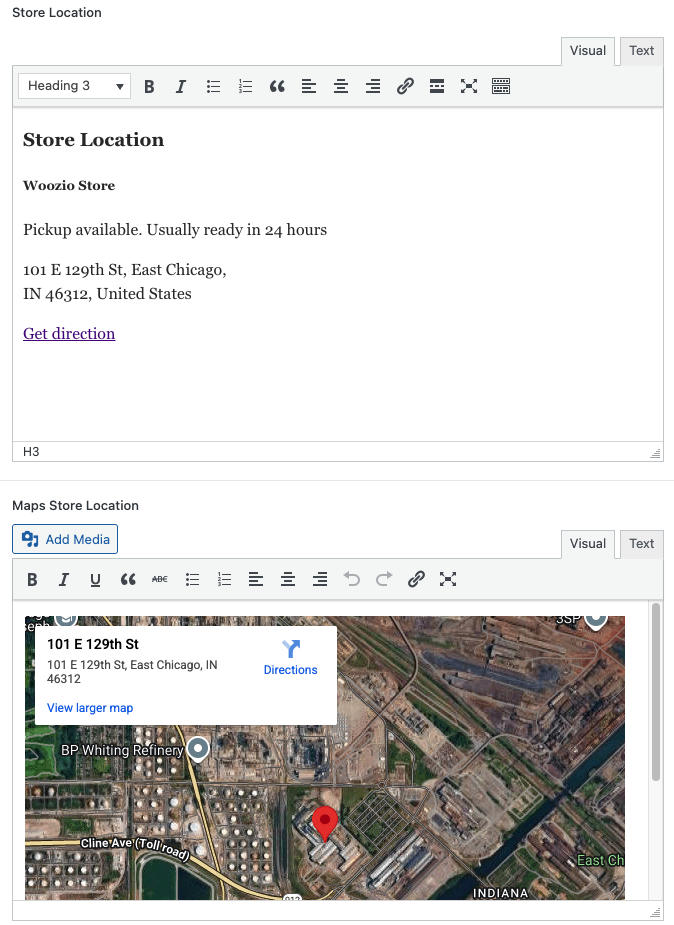
Store Location
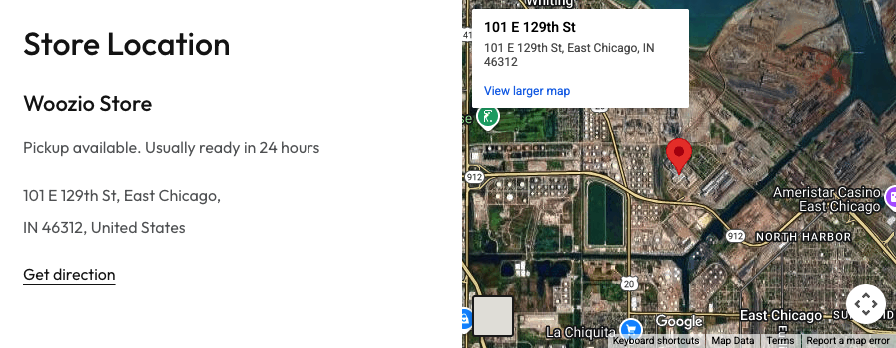
Add store location information and embed a Google Map. Create a page with store details and map iframe.
Store Location Display:
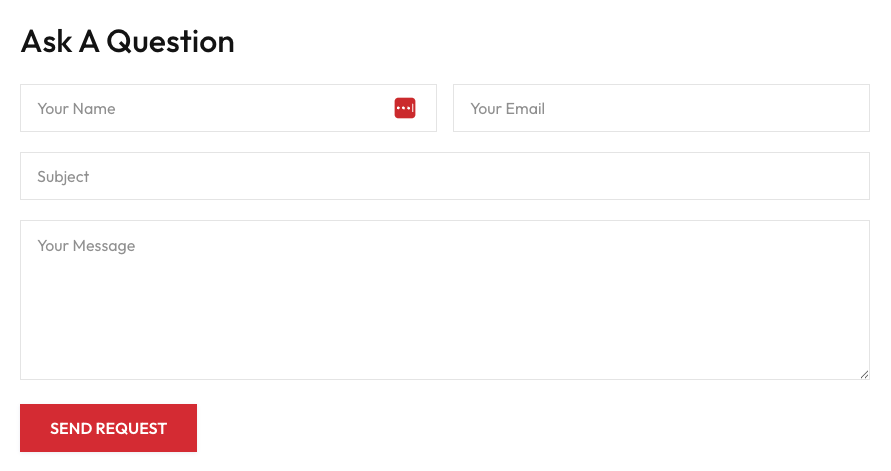
Ask A Question
Add a contact form for customers to ask questions about products. Use a form plugin shortcode (e.g., Gravity Forms) in the content editor.

Ask A Question Form:
Product Share
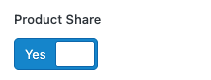
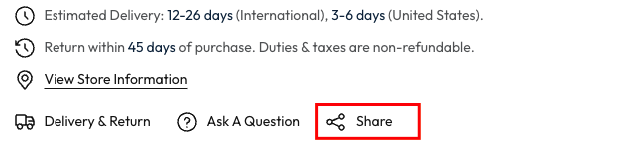
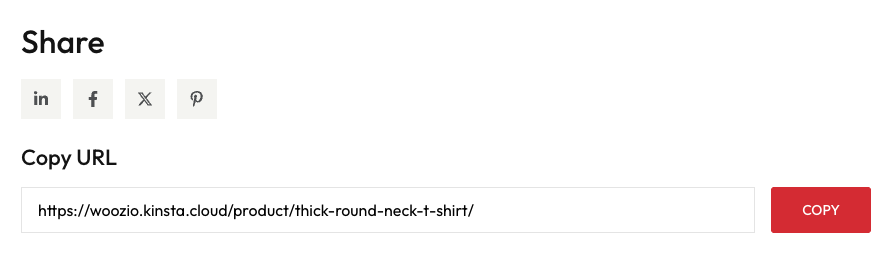
Enable product sharing functionality to allow customers to share products on social media or copy product URLs.
Enable Product Share in Woozio → Theme Options → Product.
Frontend Display:
Safe Checkout
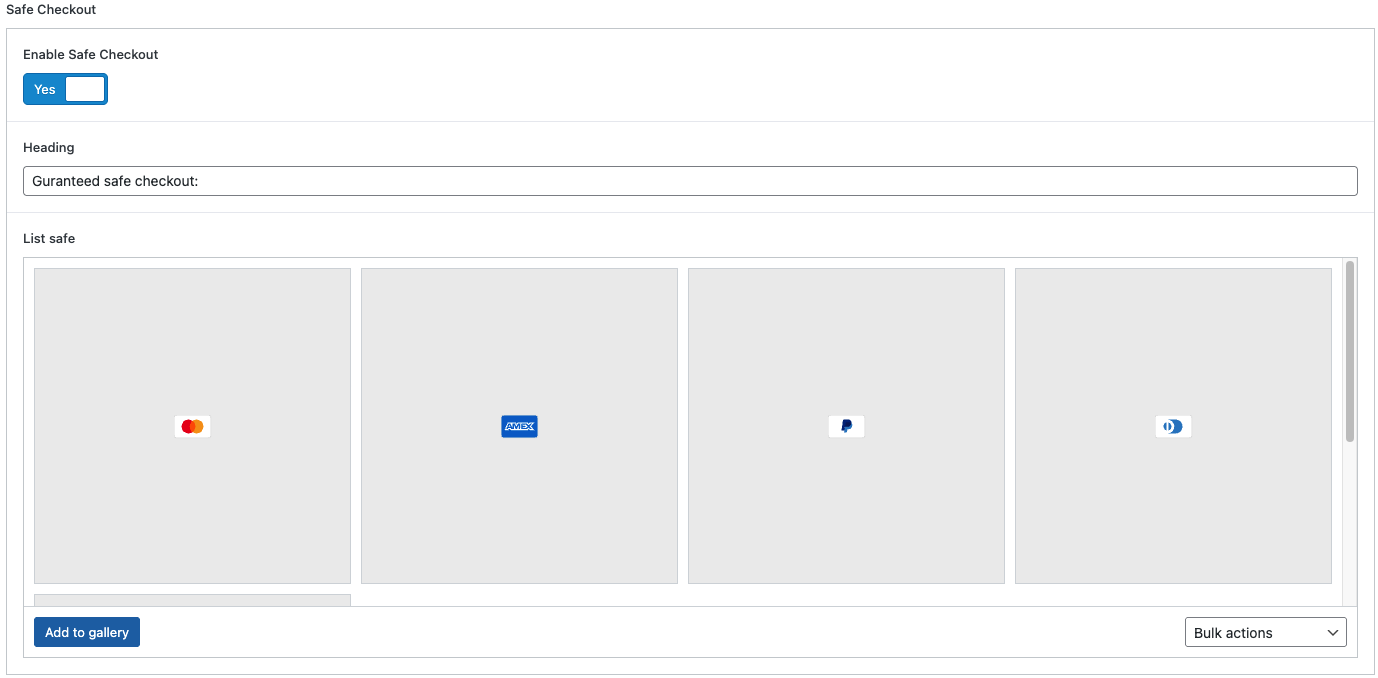
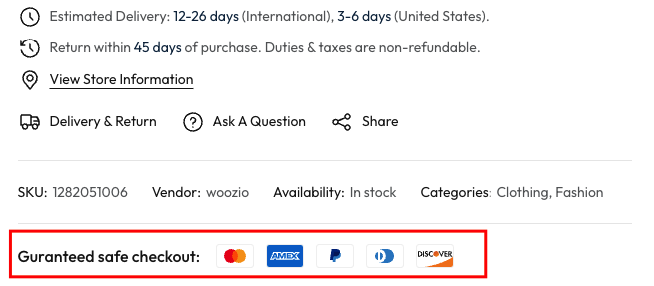
Display payment method logos and security messaging to build customer trust and encourage purchases on single product pages.
Settings:
- Enable Safe Checkout: Toggle to show/hide the safe checkout section
- Heading: Set the heading text (e.g., "Guaranteed safe checkout:")
- List safe: Add payment method logos (Mastercard, Visa, American Express, PayPal, Discover, etc.)
Frontend Display:
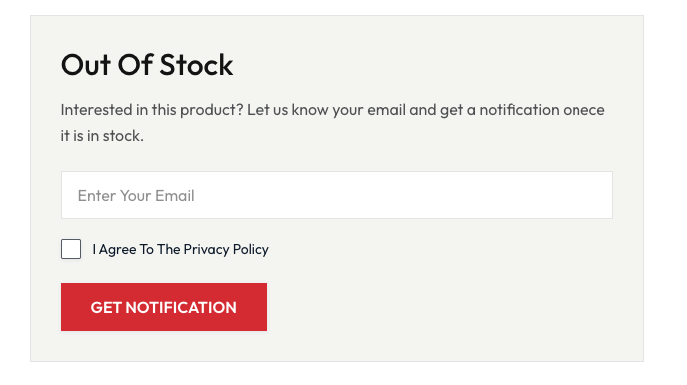
Out Of Stock
Enable out of stock notifications to capture customer interest when products are temporarily unavailable. Customers can sign up to receive email notifications when the product becomes available again.
Settings:
- Enable Out Of Stock: Toggle to show/hide the out of stock notification form
- Notification Form: Add a form shortcode (e.g., Gravity Forms) to collect customer email addresses

Frontend Display: