


Product Extra Content
Add custom extra content sections to your product pages. You can create various types of content such as "Complete the look", styling guides, product bundles, or any other custom content to enhance the product page experience.
These settings are configured individually for each product in the product edit page. Go to Products → All Products, edit a product to configure the extra content settings.
Extra Content Settings
In the product editor, find the Extra Content Settings section to create and manage extra content for your product pages.
Creating Extra Content:
- Go to Products → All Products and edit a product
- Scroll to the Extra Content Settings section
- Click to create new extra content or edit existing content
- Configure your extra content based on your needs
- Save the product to apply changes
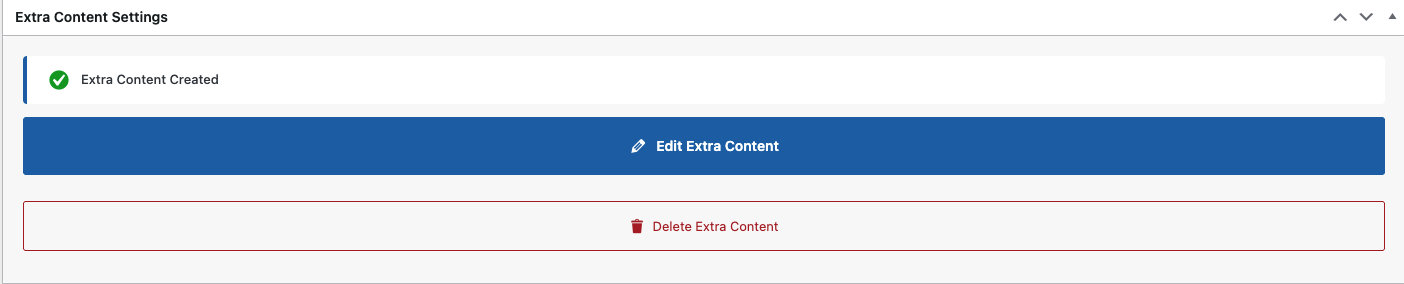
Once extra content is created, you'll see a success message "Extra Content Created" with two action buttons:
- Edit Extra Content: Modify the existing extra content configuration
- Delete Extra Content: Remove the extra content from the product page
Example: Complete the Look
One example of extra content is the "Complete the look" feature, which showcases complete outfit combinations with interactive hotspots. Customers can click on different items in the outfit to view or purchase individual products.
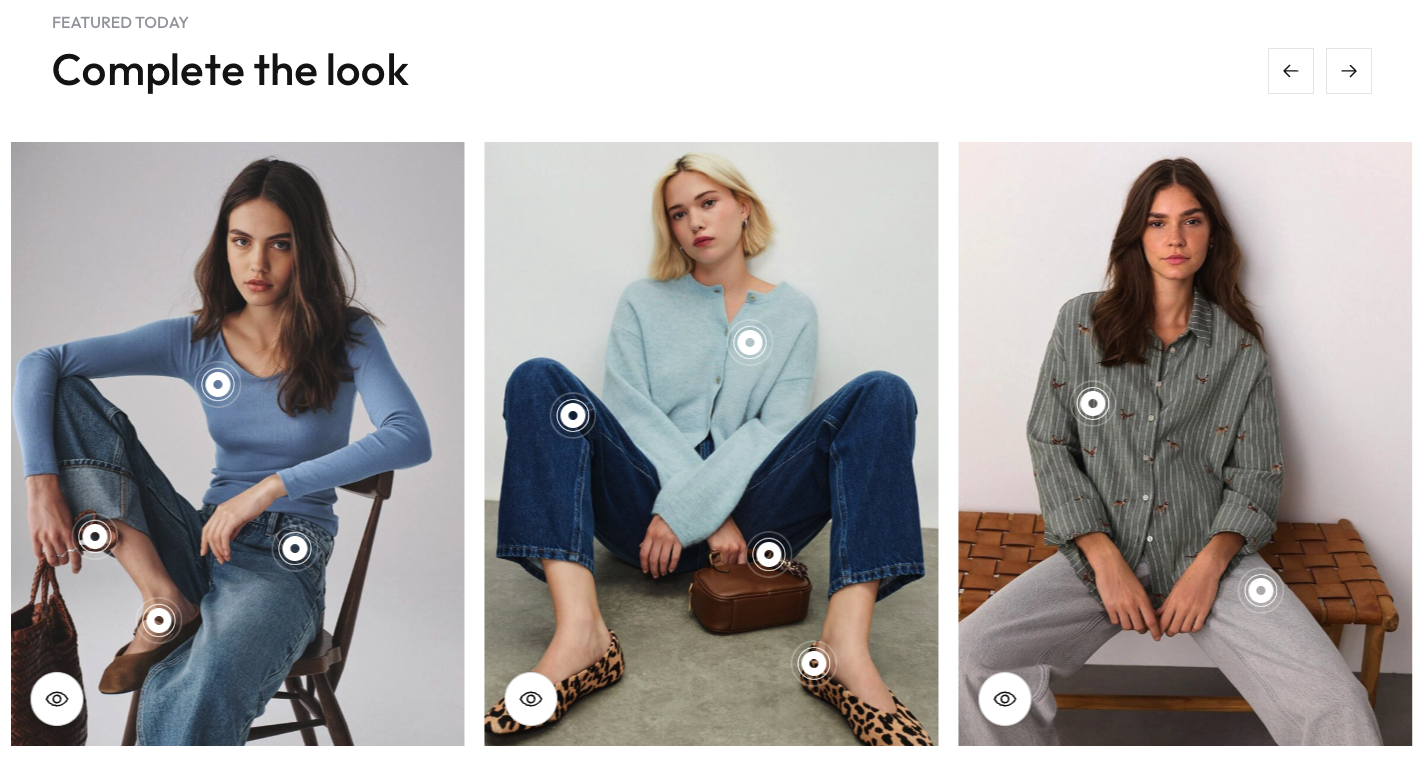
You can create various types of extra content beyond "Complete the look". Use this feature to add custom sections that enhance your product pages and provide additional value to customers.