


Product Loop Display
Configure sale marquee and countdown timer display options for products in shop loops and product listings.
These settings are configured individually for each product in the product edit page. Go to Products → All Products, edit a product, and navigate to the Advanced tab to configure the loop display settings.
Settings
In the Advanced tab of the product editor, find the Loop Product Display :

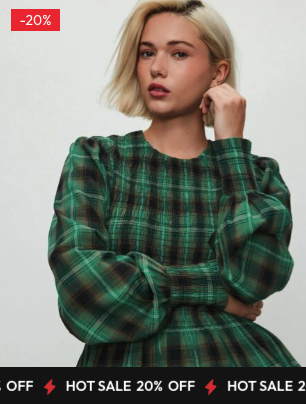
Enable Sale Marquee:
Enable a scrolling sale banner on product images in shop loops and product listings.
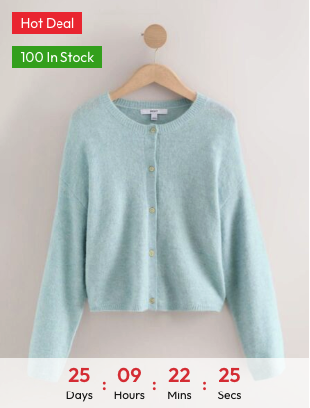
Enable Countdown Timer:
Display a countdown timer at the bottom of product images in shop loops.
Use sale marquees and countdown timers together to maximize the impact of your promotions. These features work best when combined with product countdown timer settings configured in the product editor.